UI Guides
Export to PDF or PowerPoint
Download your presentation as a PDF for sending or printing, or as an editable PowerPoint (.pptx) file.
When you need a file rather than a link, export your deck. Encelade produces a PDF for sharing and printing, or a PowerPoint .pptx file you can open and edit in PowerPoint, Keynote, or Google Slides.
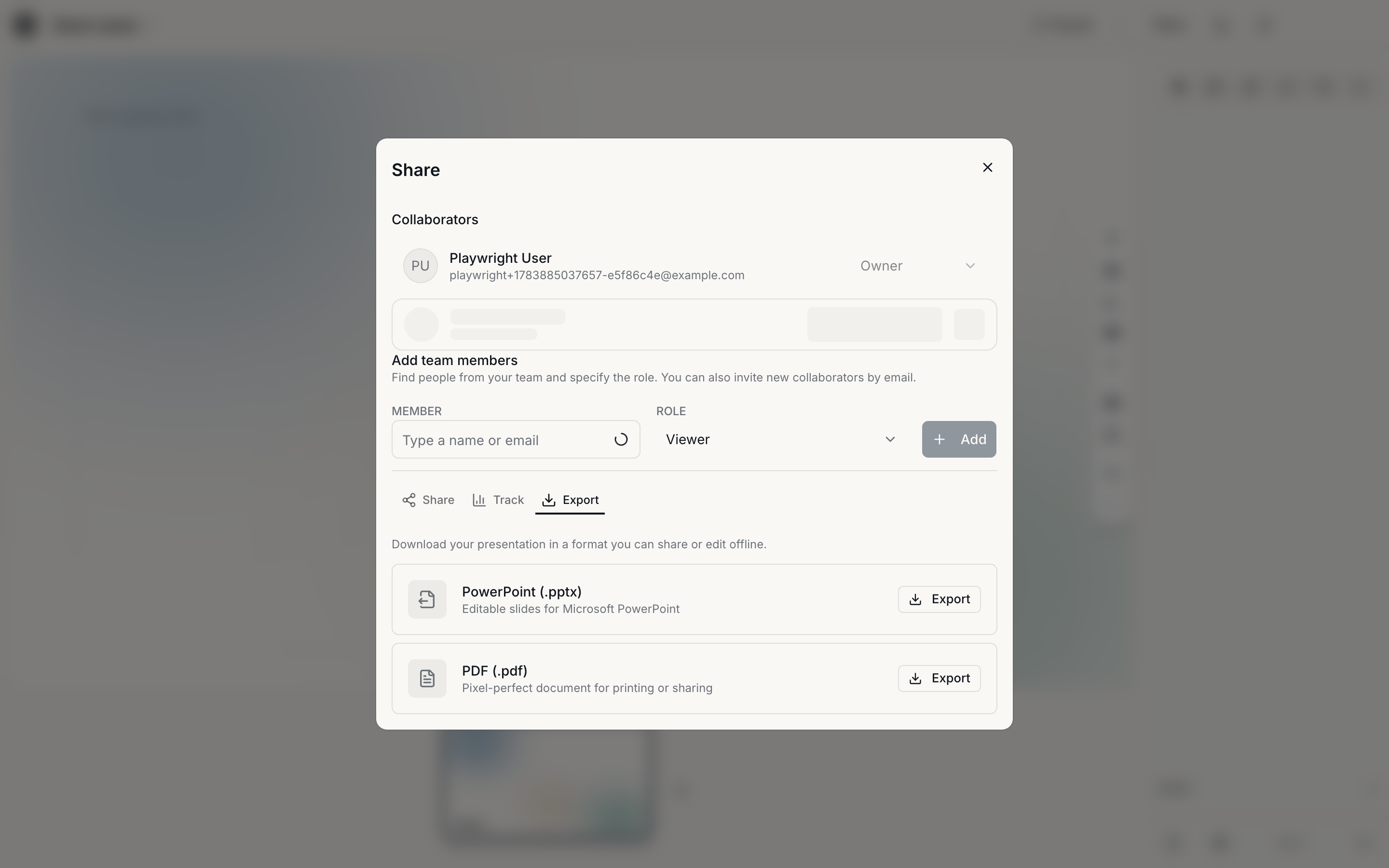
Export a deck
Open Export
In the editor's top bar, open the Export menu.
Choose a format
- PDF — best for sending, printing, or attaching. Pages render exactly as they appear in the editor.
- PowerPoint (.pptx) — best when someone needs to edit the deck in PowerPoint. Text and shapes come through as native, editable objects.
Download
Encelade renders the file and downloads it. Larger decks take a little longer to process.
A .pptx export is a faithful conversion, but PowerPoint and Encelade don't
render everything identically. Review the exported file before sending it to
an audience.
PDF vs. PowerPoint — which to use
| You need to… | Export as |
|---|---|
| Email or print a fixed copy | |
| Let someone edit the deck offline | PowerPoint |
| Preserve exact on-screen layout | |
| Hand off to a team that lives in Office | PowerPoint |
What's next
- Share a link — send a live link instead of a file.
- Edit your deck — polish it before exporting.