Friday morning, an account executive updates pricing at 9 a.m., replaces a case study at 10, and notices that the proposal deck still carries last quarter’s logo and a competitor comparison the buyer corrected earlier in the week. Rebuilding the deck means losing hours, so the AE sends it anyway. By Monday, the prospect has gone quiet and cites “misaligned numbers.”
That failure doesn’t come from weak selling. It comes from a static slide workflow that treats every buyer-facing update as a manual design project. An interactive deck builder replaces that workflow with a live, browser-based presentation that can pull current information, guide buyer interaction, and show the revenue team what happened after the link was opened.
For revenue leaders, the decision isn’t whether interactive slides look better. The decision is whether the team can justify replacing file-based production with a controlled system that improves freshness, distribution, and follow-up without creating a governance problem for finance or IT.
Table of Contents
- The Moment a Static Deck Costs You a Deal
- What an Interactive Deck Builder Actually Does
- Key Capabilities That Change a Revenue Workflow
- Interactive Deck Builders vs Static Slide Workflows
- Use Cases for Sales, Presales, and Marketing Teams
- Integration Architecture and Governance Considerations
- What Most Buyers Overlook in Interactive Presentations
- Your Buyer and Implementation Checklist
The Moment a Static Deck Costs You a Deal
The AE has the right information. The pricing spreadsheet is current, the technical proof has been refreshed, and marketing has approved the new brand treatment. The deck is the weak link because each source lives separately from the file sent to the buyer.
PowerPoint makes the problem look manageable. Change the price, replace the screenshot, update the logo, export the PDF, attach the new version, and repeat the process for every opportunity using the same content. In practice, the AE often misses one step, sends an older attachment, or edits a slide without telling sales engineering and marketing.
Practical rule: if a buyer can receive two different versions of the same deck, your team doesn’t have a presentation process. It has a version-control liability.
The operational cost appears in places finance already understands. Reps spend selling time rebuilding slides. Sales engineers recheck numbers that should have been sourced automatically. Marketing fields requests for cosmetic corrections instead of working on campaigns. Managers review pipeline materials that no longer match the CRM or pricing system.
Replace the tax, not just the slides
An interactive deck builder changes the source of truth. Instead of placing a screenshot of capacity or pricing into a frozen file, the author connects the relevant content to a spreadsheet, REST endpoint, CRM field, or approved content block. When the recipient opens or refreshes the deck, the presentation can render current information within the rules set by the team.
That doesn’t eliminate judgment. A pricing change still needs approval, and a case study still needs legal clearance. It removes the repetitive work that makes approved information stale before the buyer sees it.
The same shift applies to deal progression. A mutual close plan can reflect CRM stage fields, a proposal can expose a buyer-specific calculator, and a technical walkthrough can place product evidence beside the claim it supports. The AE isn’t asking the prospect to trust a file assembled under deadline pressure. The AE is giving the prospect a controlled, current experience.
Interactive presentations are no longer a niche format. A presentation-statistics roundup reports that nearly 79% of audiences prefer presentations that allow some form of participation. That preference matters because meetings, demos, and training sessions increasingly ask the audience to make choices, inspect evidence, and respond rather than watch passively.
What an Interactive Deck Builder Actually Does
An interactive deck builder is a browser-based authoring and delivery system. You create presentation pages in a visual editor, add components that respond to clicks or inputs, connect approved data sources, and publish the result as a URL.
The buyer opens the link in a browser. There’s no file attachment to download, no plugin to install, and no export step that turns a live component into a screenshot. The presentation remains a web experience after publishing, which means the recipient can use calculators, open embedded media, inspect product visuals, or follow a conditional path when those functions are built into the deck.
The rendering model is the real change
Static slide software treats the presentation as a document. The author edits a local or cloud file, exports a copy, and distributes that copy through email, a deal room, or a meeting platform. Every meaningful revision creates another artifact that someone can attach, archive, or mislabel.
A web-native builder treats the deck more like software. The published URL points to a governed version, data can be connected rather than pasted, and the team can observe activity at the page level. Capabilities such as link-based access, real-time viewer insights, and slide-level duration tracking make follow-up more actionable than a static file’s download count.
The difference isn’t animation. A hyperlink that jumps from slide 4 to slide 47 is still a document navigation trick. A scenario picker that changes the displayed recommendation, a calculator that responds to buyer inputs, or a live chart that reflects an approved endpoint changes what the recipient can do.
| Dimension | Static slide workflow, such as PowerPoint | Interactive deck builder |
|---|---|---|
| Authoring | Edit slides, duplicate files, and export versions | Compose browser-based pages with reusable components |
| Data | Paste figures or insert screenshots | Bind approved content to sheets, APIs, or system fields |
| Interaction | Links, animations, and manual navigation | Widgets, conditional paths, calculators, media, and 3D |
| Distribution | Attach PDF or PPTX files to messages | Share a controlled URL that renders in the browser |
| Updates | Rebuild and resend the artifact | Update the source or governed content layer |
| Measurement | Track downloads or ask the buyer | Review slide engagement, paths, and interaction behavior |
That architecture gives finance a clear reason to evaluate the switch. The business case isn’t “we need more effects.” It’s fewer manual production steps, fewer uncontrolled copies, and better evidence about buyer follow-up.
Key Capabilities That Change a Revenue Workflow
A credible platform needs more than a polished editor. The capability stack should map to a specific revenue problem, from inaccurate proposal figures to weak post-demo prioritization.
Live data binding removes manual rework
Connect pricing, capacity, product availability, or approved proof points to a source such as Google Sheets, a CRM, or a warehouse. The useful test isn’t whether a vendor can display a chart. It’s whether revenue operations can define which fields are authoritative, who can edit them, and what the buyer sees when a value changes.
A narrow JSON endpoint is often the practical pattern. Spreadsheet data is exposed through an endpoint, and the deck renders that response when it opens or refreshes. Our guide to real-time data sync explains why teams must also ask about quotas and refresh behavior before promising real-time delivery.
Interactive logic turns a deck into a working session
Calculators, sliders, scenario pickers, maps, and guided paths give the buyer something useful to do. During discovery, an AE can let the buyer test a business case. During technical validation, an SE can let stakeholders select an architecture or deployment condition and see the relevant explanation.
The interaction should answer a deal question. If it doesn’t help the buyer compare, configure, validate, or decide, remove it.
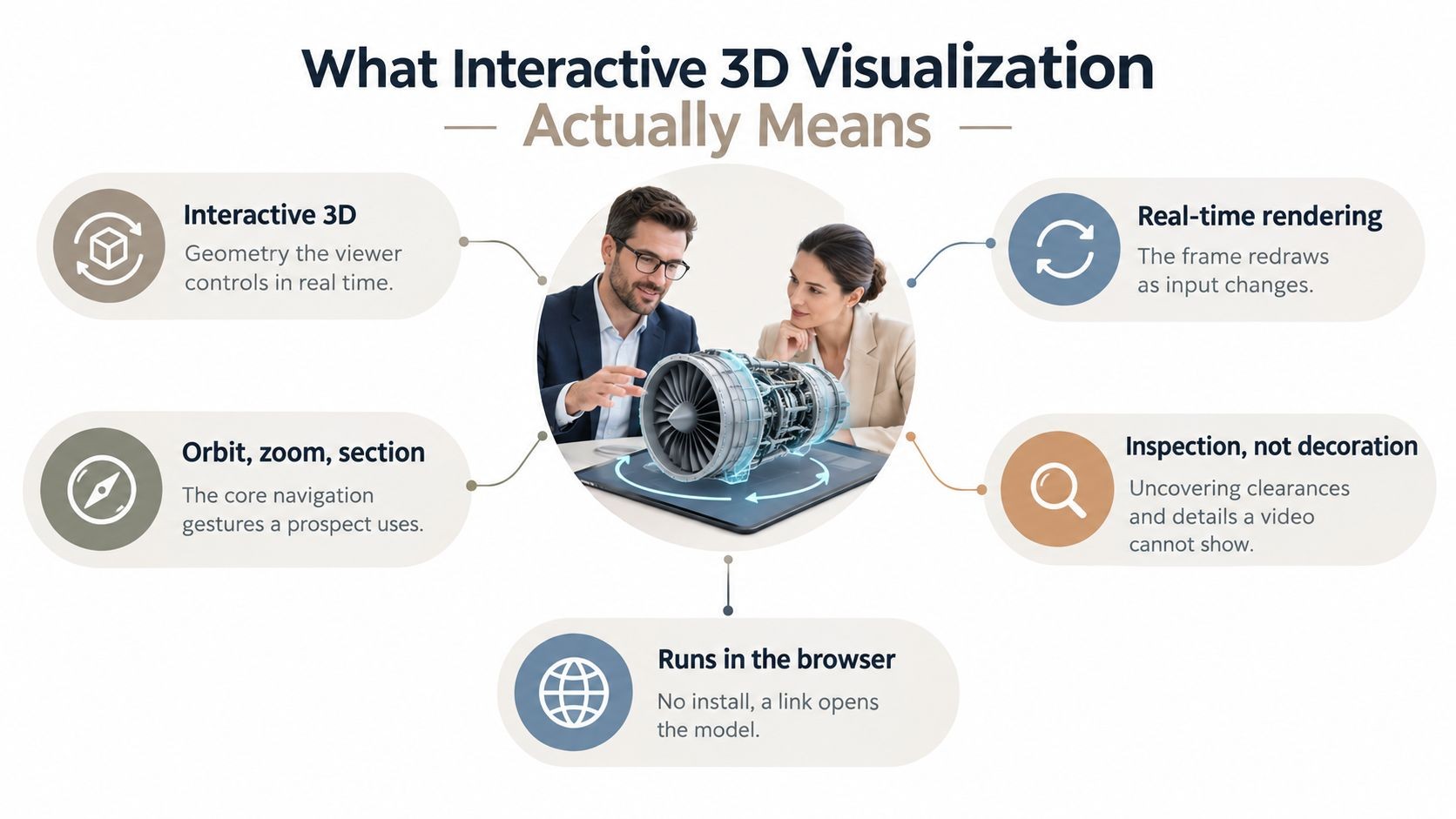
Native 3D keeps product evidence in the flow
A product model that can rotate and zoom inside the presentation is more useful than a screenshot followed by a switch to another viewer. Browser standards make this possible. X3DOM, an open-source framework from Fraunhofer, writes declarative 3D graphics directly into HTML markup with no plugins, while web.dev’s introduction to model-viewer describes making in-browser 3D embedding as simple as writing a few lines of HTML.
That matters most for SE-led demonstrations where the buyer needs to inspect a physical device, spatial layout, or product configuration, which is where native 3D product visualization earns its place in the deck.
APIs and MCP connect decks to revenue operations
A presentation API can generate a deck from structured inputs. MCP tools can let an agent or internal workflow call presentation-generation functions using CRM context, research notes, or approved content. The right architecture can create a follow-up deck when an opportunity changes stage, but only if permissions and review gates remain in place.
Brand controls complete the stack. Locked themes, approved components, and role-based editing let marketing own the visual system without becoming the production queue for every AE request.
Finally, analytics should show more than views. Platforms can expose slide-by-slide engagement, time spent on individual slides, and click paths. Those signals help a manager decide whether the AE should follow up on the ROI model, the security section, or the pricing page.
Interactive Deck Builders vs Static Slide Workflows
Revenue teams should compare the tools against the jobs they perform, not against a feature checklist. The question is whether the new workflow handles production, freshness, interaction, distribution, and measurement better for the work your team does.
| Job to be done | Static slide workflow | Interactive deck builder |
|---|---|---|
| Produce a proposal | AE duplicates a template, copies account details, and asks specialists for edits | A governed template uses account fields and reusable content blocks |
| Keep numbers current | Rep pastes a new figure, exports a file, and resends it | Approved data connections render current values within the published experience |
| Enable buyer interaction | Rep talks through screenshots or sends a separate calculator | Calculator, scenario control, media, or 3D model sits inside the deck |
| Distribute the right version | Multiple PDFs and PPTX files circulate through email and deal rooms | One link points to the controlled web presentation |
| Measure what happened | Team sees a download or relies on the rep’s recollection | Team reviews page engagement, time on slide, and interaction paths |
Static slides still have a place. Board books, offline workshops, regulated archives, and environments with unreliable connectivity may require PDF or PPTX output. A web-native system should support those exports rather than pretending every stakeholder will accept a browser link.
The switch becomes easier to justify when the team produces recurring decks from changing inputs. High proposal volume, distributed contributors, frequent pricing updates, and buyers who want to self-serve all increase the cost of file management. A small team producing occasional formal presentations may not need a platform replacement.
Finance needs a measurable operating case
Finance will challenge a vague promise of “better engagement.” Bring a workflow inventory instead:
- Production time: record how long AEs, SEs, and marketing spend assembling a standard proposal.
- Revision load: count how often approved decks are rebuilt after a pricing, product, or brand change.
- Distribution risk: identify where outdated attachments remain in active opportunities.
- Follow-up quality: define which page-level signals would change rep action.
- Output requirements: confirm which audiences still need PDF or PPTX exports.
IT will ask a different set of questions. It needs identity controls, source permissions, data handling, auditability, and exit options. The interactive presentation software overview provides useful context for evaluating browser-based presentation workflows, but your own security review should decide whether the architecture fits the environment.
Use Cases for Sales, Presales, and Marketing Teams
The best first deployment follows a repeated deal moment. Don’t begin with the most impressive demo. Begin where a team loses time or sends buyers information that no longer matches the opportunity.
AEs need speed at the point of personalization
An AE starts discovery with an account-specific cover, current business context, and a short agenda that reflects the opportunity. The deck can pull approved account fields into the narrative without forcing the rep to edit every text box.
Later, the AE shares a mutual close plan built from CRM stage fields. The buyer sees owners, milestones, dependencies, and the next decision in one link. If the opportunity changes, the presentation doesn’t need to be rebuilt from a stale attachment.
SEs need evidence buyers can inspect
A sales engineer can combine a live architecture diagram, product screenshots, an embedded model, and an ROI calculator in one technical deck. The buyer can change inputs, inspect the relevant configuration, and return to the commercial discussion without leaving the presentation.
This works because the interaction supports evaluation. It doesn’t ask the prospect to admire a transition. It lets the prospect test an assumption that could affect the purchase.
Enablement needs control without blocking adoption
Enablement should publish master templates with locked brand elements, approved language, and guided selling paths. AEs can clone the structure and add account context, while marketing retains control of the visual system and compliance-sensitive content.
Use presentation interaction ideas for sales workflows as a prompt for selecting interactions, then reject anything that doesn’t help a rep diagnose, explain, quantify, or advance a deal.
Marketing needs attribution that survives sharing
Marketing can create a launch deck from a controlled content library and distribute campaign-specific links. The team can see which sections attract attention and connect the shared experience to the intended campaign path instead of losing the asset after a PDF download.
The adoption order should be practical: start with one proposal family, one technical evaluation path, or one launch motion. Prove that the workflow removes a repeated task before expanding the library.
Integration Architecture and Governance Considerations
Procurement reviewers usually read the technical surface in a predictable order. Start with the data, then inspect connectors, identity, permissions, publishing, and exit conditions.
Map every source before approving a connector
Use Google Sheets or Excel for lightweight, controlled inputs. Use REST APIs for CRM, pricing, product, and warehouse systems that need stronger ownership and access rules. For programmatic generation, assess MCP as an orchestration layer that lets approved agents use structured context and presentation actions.
Keep the data surface narrow. A deck shouldn’t receive an entire database when it needs a price band, account name, or capacity value. Narrow endpoints reduce accidental exposure and make it easier to explain what the presentation can access.
Make identity and permissions enforceable
Require SSO through SAML or OIDC for enterprise access. Ask whether SCIM is supported for provisioning and deprovisioning, whether roles distinguish template authors from end users, and whether audit logs record edits, approvals, shares, and publication events.
Brand governance belongs in the same control plane. Lock master templates, maintain an approved component library, and establish a review path for content that carries legal, pricing, or product claims. A flexible editor without these controls moves version risk into a new interface.
Put these questions in the RFP:
- Data residency: where are source data, generated decks, analytics, and backups stored?
- Export rights: can the team retrieve content in usable formats if the contract ends?
- API limits: what quotas, rate limits, and failure responses apply to automated generation?
- Content ownership: who owns generated layouts, uploaded assets, and derivative outputs?
- Deletion: what happens to content, logs, and source connections after termination?
- Availability: what SLA applies, and what credits or remedies exist for service disruption?
The technical winner isn’t the platform with the longest integration list. It’s the one your security, operations, and brand teams can govern without creating a manual approval queue.
What Most Buyers Overlook in Interactive Presentations
Widget count is a poor buying criterion. A deck can contain maps, sliders, video, charts, and 3D while giving the buyer no better answer to the decision in front of them.
Decoration creates production debt
Use a calculator where the buyer is testing value. Use a scenario toggle where the buyer is comparing deployment choices. Use embedded video where the buyer needs to see the product in operation. Don’t add interaction to a title slide because the editor makes it easy.
Heavy components can also hurt load speed and distract from the message. A buyer who waits for a visual to load or can’t understand why a control exists won’t reward the team for adding it.
Accessibility is the second blind spot. Interactive presentations are web content, so buyers should test keyboard navigation, focus order, contrast, captions, transcripts, screen-reader alternatives, and non-JavaScript fallbacks. The W3C’s web accessibility evaluation tools list is the reminder that interactive content needs evaluation, not just visual approval.
Measure comprehension, not novelty
Dwell time alone doesn’t prove that a buyer understood a claim. Clicks can indicate curiosity, confusion, or a useful decision path. Teams need to connect interaction data to outcomes such as completed follow-up actions, meeting progression, or a buyer’s stated understanding.
Measurement rule: treat analytics as a reason to change rep behavior, not as a dashboard decoration.
Attention is scarce, and interactive delivery competes with laptops, phones, and inbox pings even while the meeting is happening. The practical response isn’t to add more widgets. It’s to test whether each interaction improves comprehension, follow-up quality, or decision confidence.
Your Buyer and Implementation Checklist
Copy this into the procurement document and make vendors answer in writing.
Before purchase:
- Identity: confirm SSO, SCIM, and granular role permissions.
- Auditability: verify audit logs, approval history, and version retirement.
- Automation: check REST and MCP endpoints for CRM and warehouse-driven generation.
- Data binding: test Google Sheets and your warehouse connector with representative data.
- Exports: confirm PDF and PPTX support for offline sharing and archival needs.
- Accessibility: test keyboard access, captions, transcripts, contrast, and fallback behavior.
- Commercial terms: request the roadmap, SLA, uptime credits, data residency terms, and exit process.

During rollout, choose one team, one template family, and one deal stage. Assign a named owner for governance, brand controls, analytics review, and version retirement. Don’t launch a blank canvas and expect adoption. Give reps a narrow workflow that replaces a task they already dislike.
After launch, review per-deck analytics monthly. Retire any deck untouched for 90 days, and compare time-to-first-meeting, win rate, and average deal size against the static baseline. Renewal should follow usage and operating evidence, not vendor enthusiasm.

Encelade turns research, CRM notes, spreadsheets, and documents into interactive, web-native decks, with live data connections, widgets, native 3D, a presentation API, and MCP tools for programmatic generation. Build the narrative once, connect the numbers, and send your revenue team’s first governed use case as a deck that stays current, explorable, and ready for decisions.