Buyer engagement
Know what to follow up on.
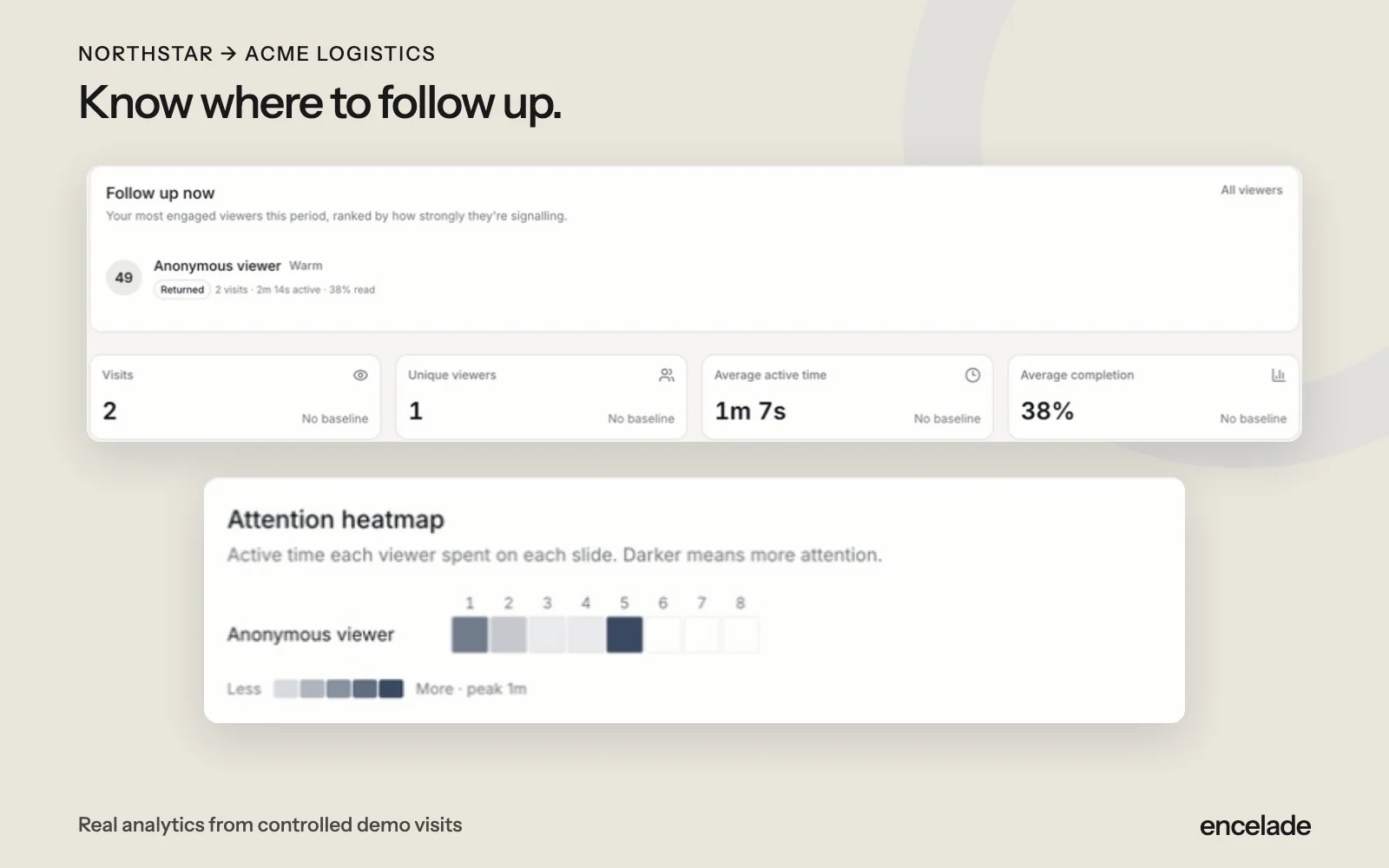
See which pages buyers read, how long they spend, and when they return. Use that context for your next conversation.
Advanced analytics and proposal recipient tracking start on Pro. Compare plans
How it works
Three steps to get started.
- 01
Share your deck
Publish a link or send a proposal with recipient tracking.
- 02
See the activity
Review visits, reading time, page activity, and CTA clicks.
- 03
Follow up
Use the activity and proposal responses to prepare your next message.
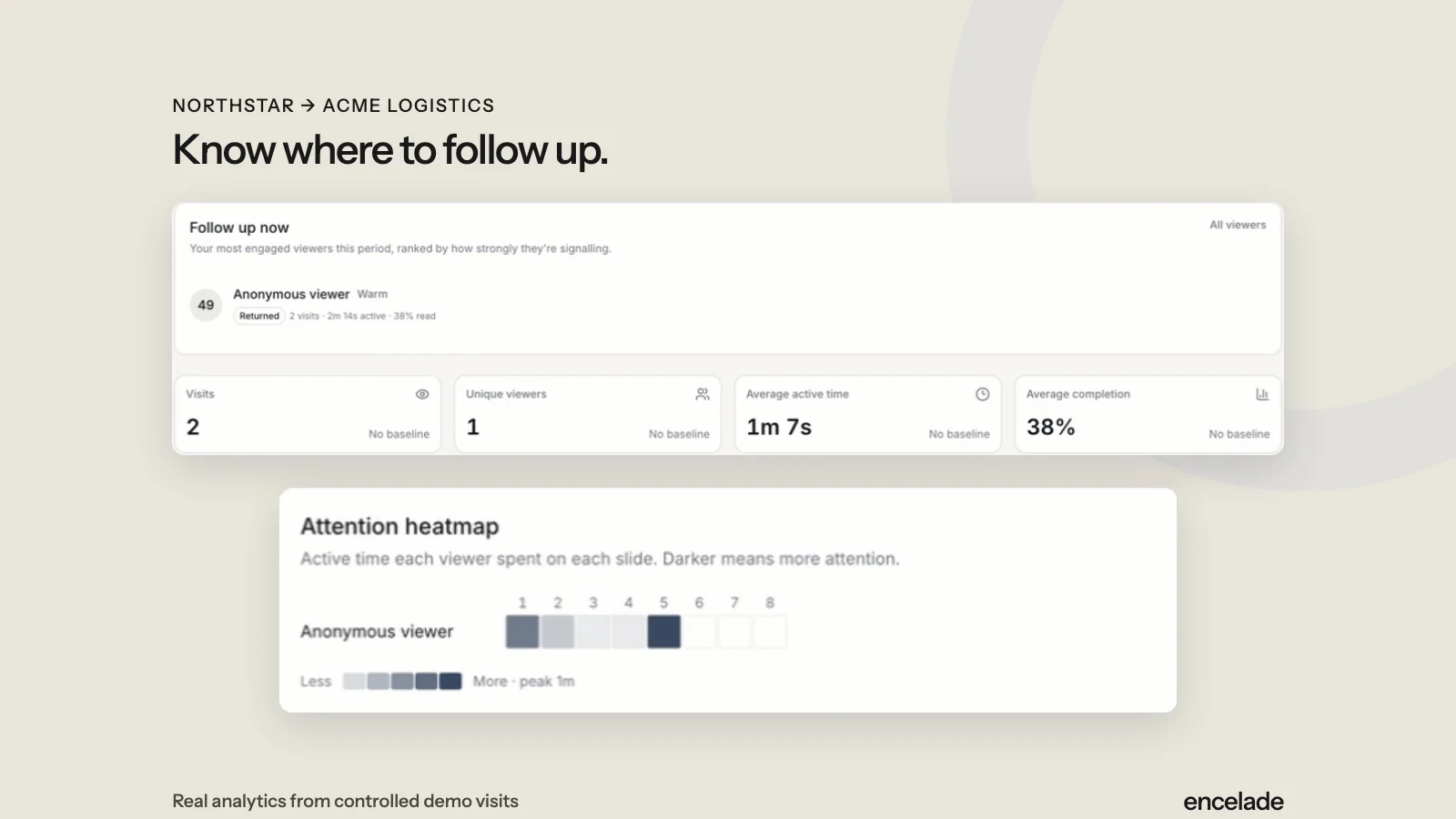
See buyer engagement in action.
Read the transcript
See visits and reading activity for the shared presentation. Review which pages received attention before preparing your follow-up. This activity comes from controlled demo visits.
Read the detailed transcriptIn the product
What you can do.
- Visits, reading time, and completion
- Engagement by page
- Return visits and CTA clicks
- Recipient delivery and response status
- Activity views and summaries
- Email notifications and engagement webhooks
Your questions, answered.
Can I identify everyone who opens a forwarded link?
No. Recipient links attribute activity to the intended recipient. Forwarded-link activity does not verify each viewer’s identity.
Do engagement scores predict a sale?
No. They summarize observed activity to help you decide where to focus.
How does consent affect tracking?
Viewing analytics follow the applicable consent and tracking settings. Buyers can respond to proposals without agreeing to viewing analytics.
Does activity sync to HubSpot?
On Pro or above, enable deal write-back from the share panel to sync engagement totals and proposal status to a linked HubSpot deal. Detailed analytics remain in Encelade; timeline cards require a separate HubSpot capability.