Salesforce
Put your Salesforce numbers to work.
Bring numeric fields and aggregates into branded statistic widgets for sales decks and account reviews.
Requires a configured Salesforce connection and access to the relevant objects and fields in your Salesforce organization. Compare plans
Read the transcript
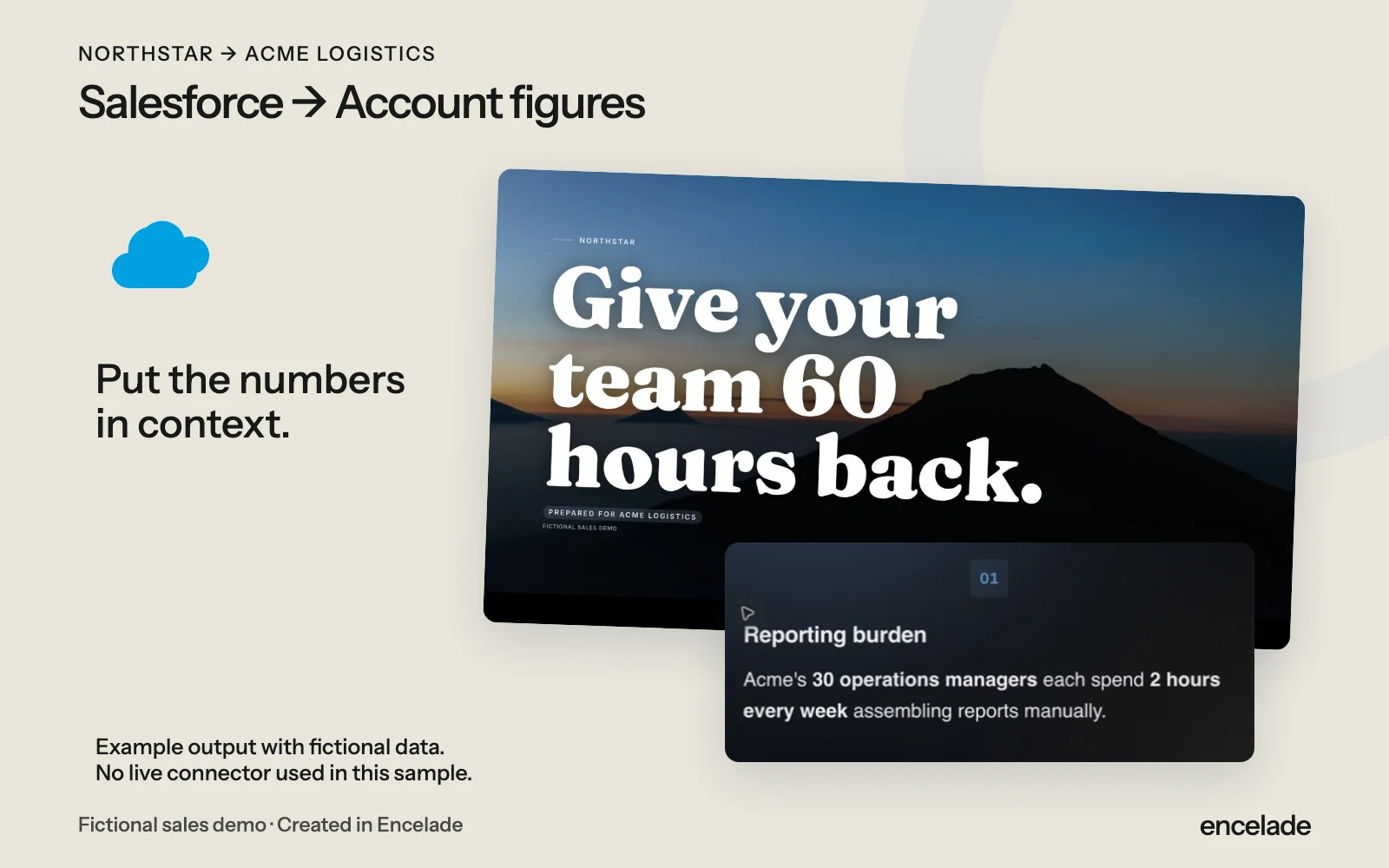
The Salesforce integration, paired with a real Northstar presentation created in Encelade. Northstar and Acme Logistics are fictional demo companies. This sample illustrates the output; no live connector was used.
How it works
Three steps to get started.
- 01
Connect Salesforce
Authorize an account with access to the records you need.
- 02
Choose the numbers
Select supported objects, numeric fields, and aggregations.
- 03
Explain the result
Add the statistics to your deck and build the story around them.
In the product
What you can do.
- Supported object and field selection
- Numeric fields and aggregates
- Connected statistic widgets
- Branded decks you can share
Your questions, answered.
Does it write back to Salesforce?
No. The Salesforce connection reads data into Encelade.
Which records can I use?
Your Salesforce permissions and the supported data picker determine the available objects and fields.
How do I get updated numbers?
Refresh the connected content and review it before sharing. Data can be cached between requests.