ROI calculators
A business case they can believe in.
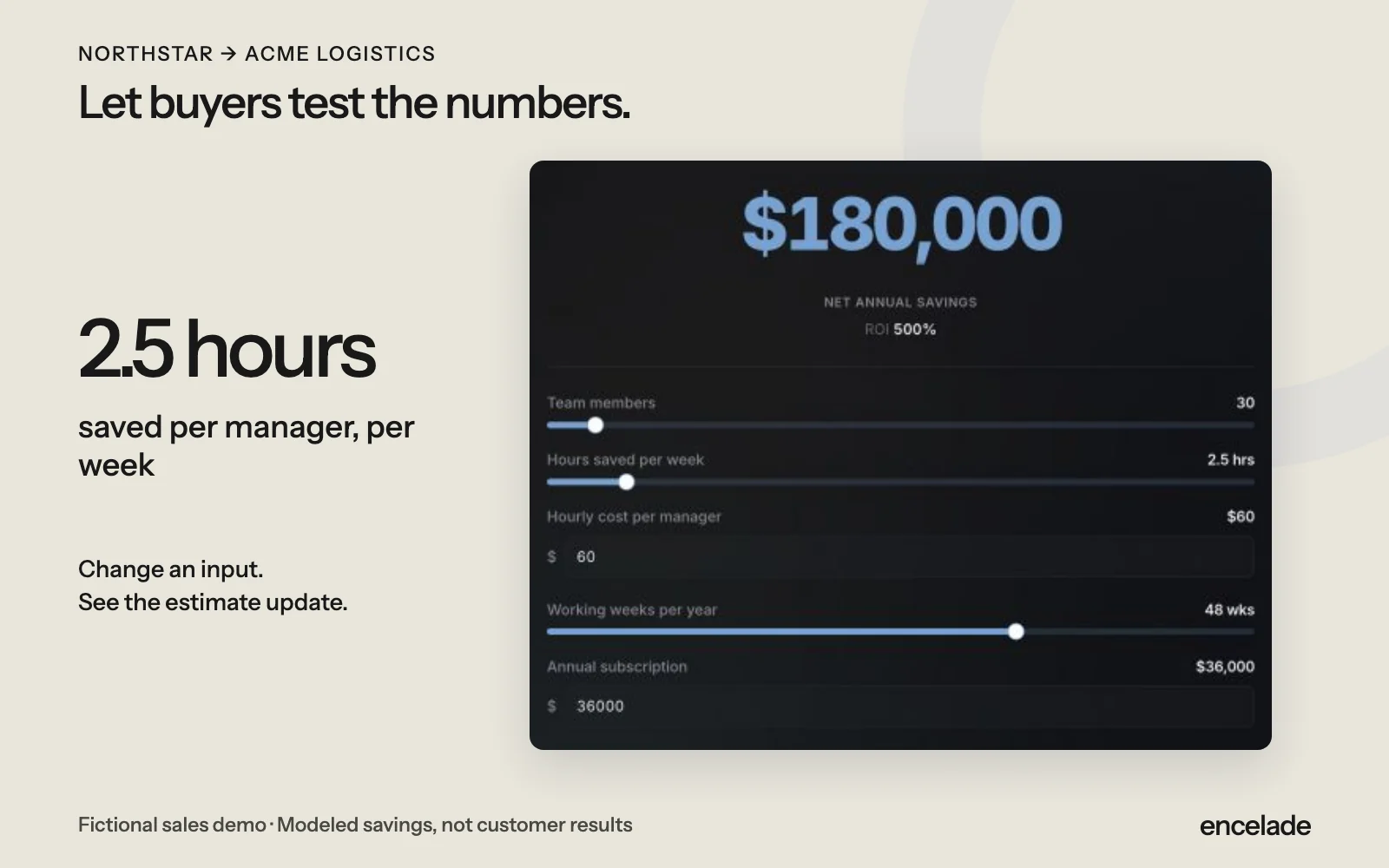
Let buyers adjust the numbers and see what your offer could save them. Put the calculator directly in your deck or proposal.
Create calculators in decks. Proposals start on Plus, advanced analytics on Pro. Compare plans
How it works
Three steps to get started.
- 01
Set the inputs
Choose the assumptions, starting values, and ranges buyers can change.
- 02
Define the results
Add formulas for savings, ROI, or payback. Explain the costs and assumptions.
- 03
Let buyers explore
Share the deck and let buyers run the numbers themselves.
See roi calculators in action.
Read the transcript
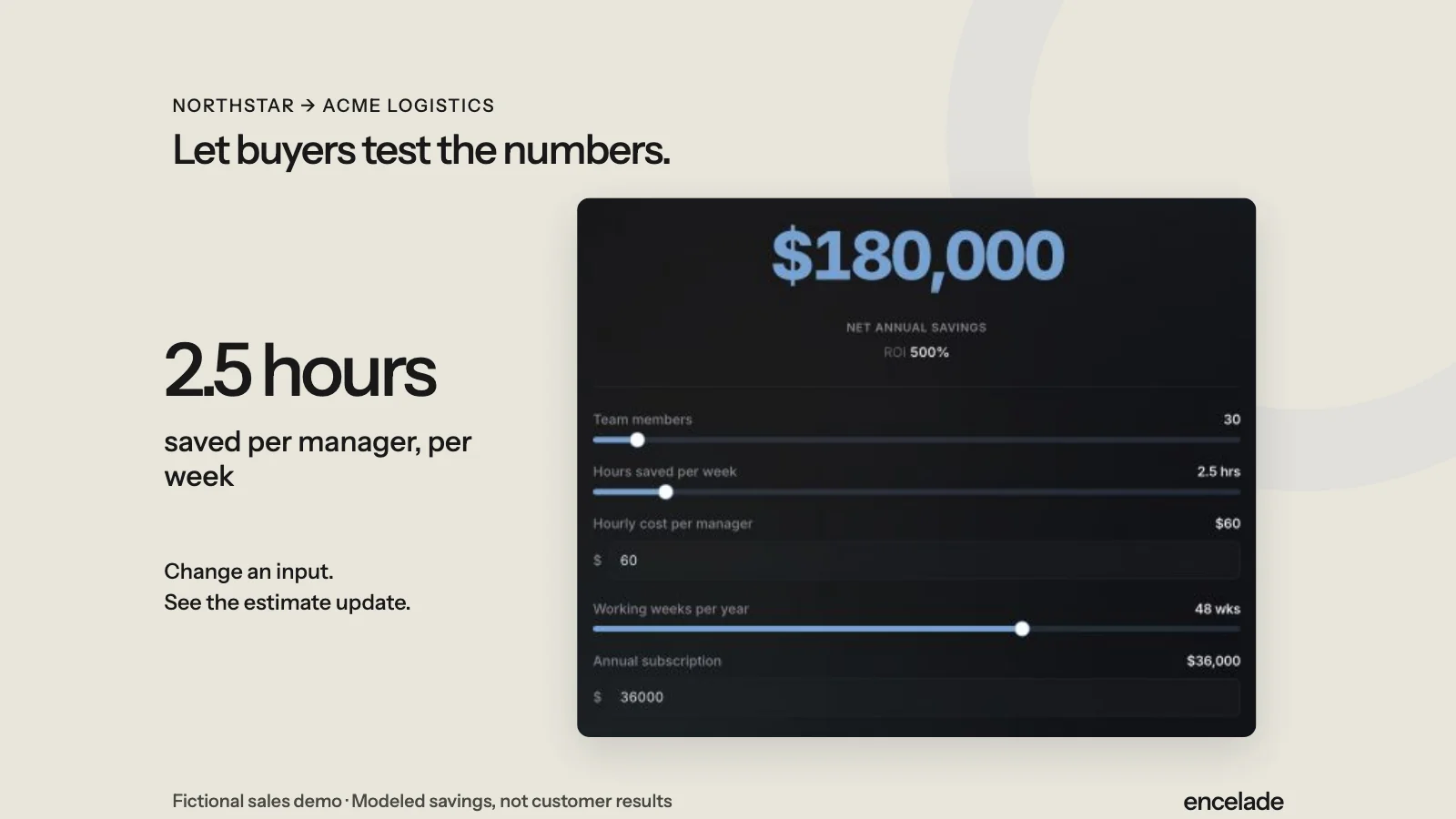
Change the hours saved in the ROI calculator. The estimated savings and return update with those assumptions. Figures are fictional estimates, not customer results.
Read the detailed transcriptIn the product
What you can do.
- Adjustable inputs and ranges
- Your own arithmetic formulas
- Savings, ROI, and payback outputs
- Styling that fits your brand
- Interactive calculators in shared decks
- The business case beside your offer
Your questions, answered.
Can I use my own calculation?
Yes. Define formulas using your inputs and arithmetic operations. Choose the outputs and explain the assumptions.
Are the demo figures customer results?
No. Northstar and Acme Logistics are fictional. The figures show how a sample calculator works.
Do results update my CRM?
No. Calculator inputs and results stay in Encelade. On Pro or above, you can separately authorize deal-write access and save the deck URL to a linked HubSpot deal.