Proposals
One link. A clear offer.
Send branded proposals with interactive pricing, optional items, and a built-in response. Track the status in Encelade.
Proposals start on Plus. Recipient tracking starts on Pro. Compare plans
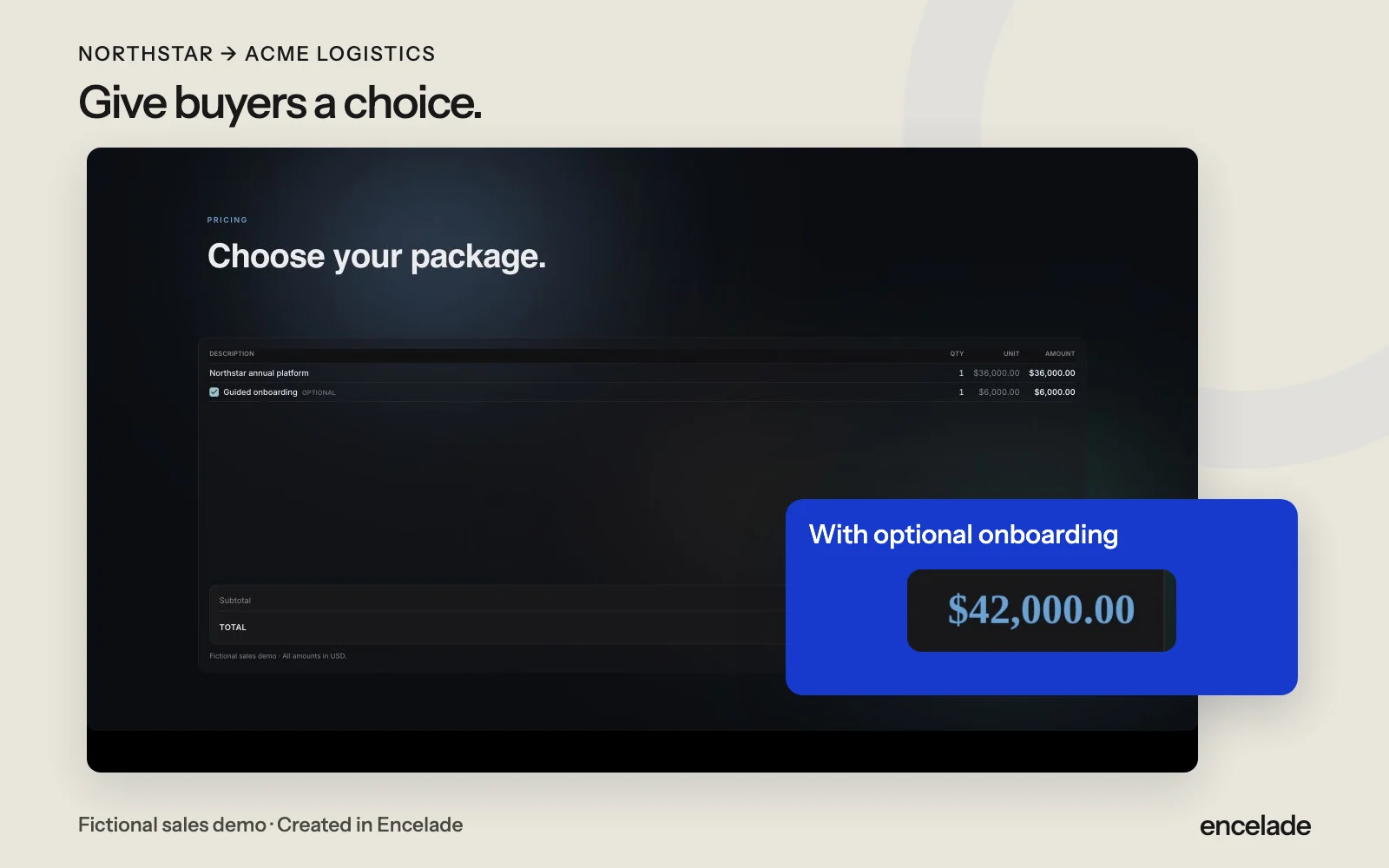
How it works
Three steps to get started.
- 01
Build your offer
Add scope, pricing, optional items, and terms.
- 02
Share a link
Buyers review the proposal and choose the options they need.
- 03
Get a response
Receive acceptance, decline, or a typed signature. Keep a record of the agreed terms.
See proposals in action.
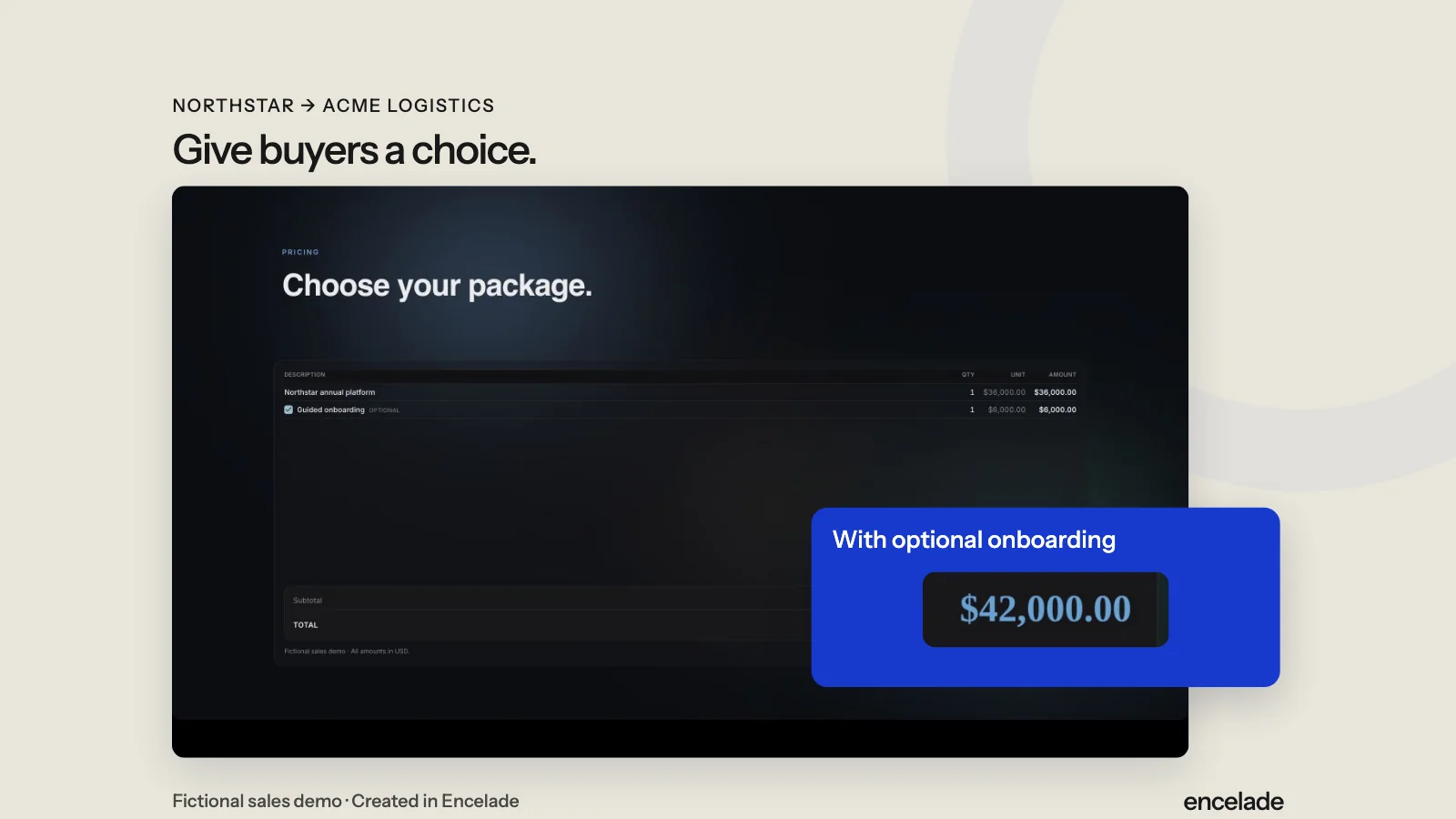
Read the transcript
Review the subscription price. Select optional onboarding and see the quote total change. The Northstar offer is a fictional sales demo.
Read the detailed transcriptIn the product
What you can do.
- Interactive pricing and optional items
- Acceptance, decline, and typed signatures
- Recorded terms at the time of response
- Recipient links and proposal status
- Open tracking, notifications, and reminders
- Password-protected links
Your questions, answered.
Can buyers choose optional items?
Yes. Mark items as optional. Buyers select them in the proposal, and the total updates.
What if I edit after a buyer responds?
The shared proposal updates, while the recorded response keeps the terms accepted at that time.
How do typed signatures work?
The buyer types their name and consents to signing electronically. Encelade records the response and terms. Check that this signing method suits your agreement.
Can I link a proposal to HubSpot?
Yes. On Pro or above, authorize deal-write access from the share panel and choose a HubSpot deal. Encelade syncs the proposal URL, engagement totals, and proposal status to its deal properties.