Collaboration
Review together. Send with confidence.
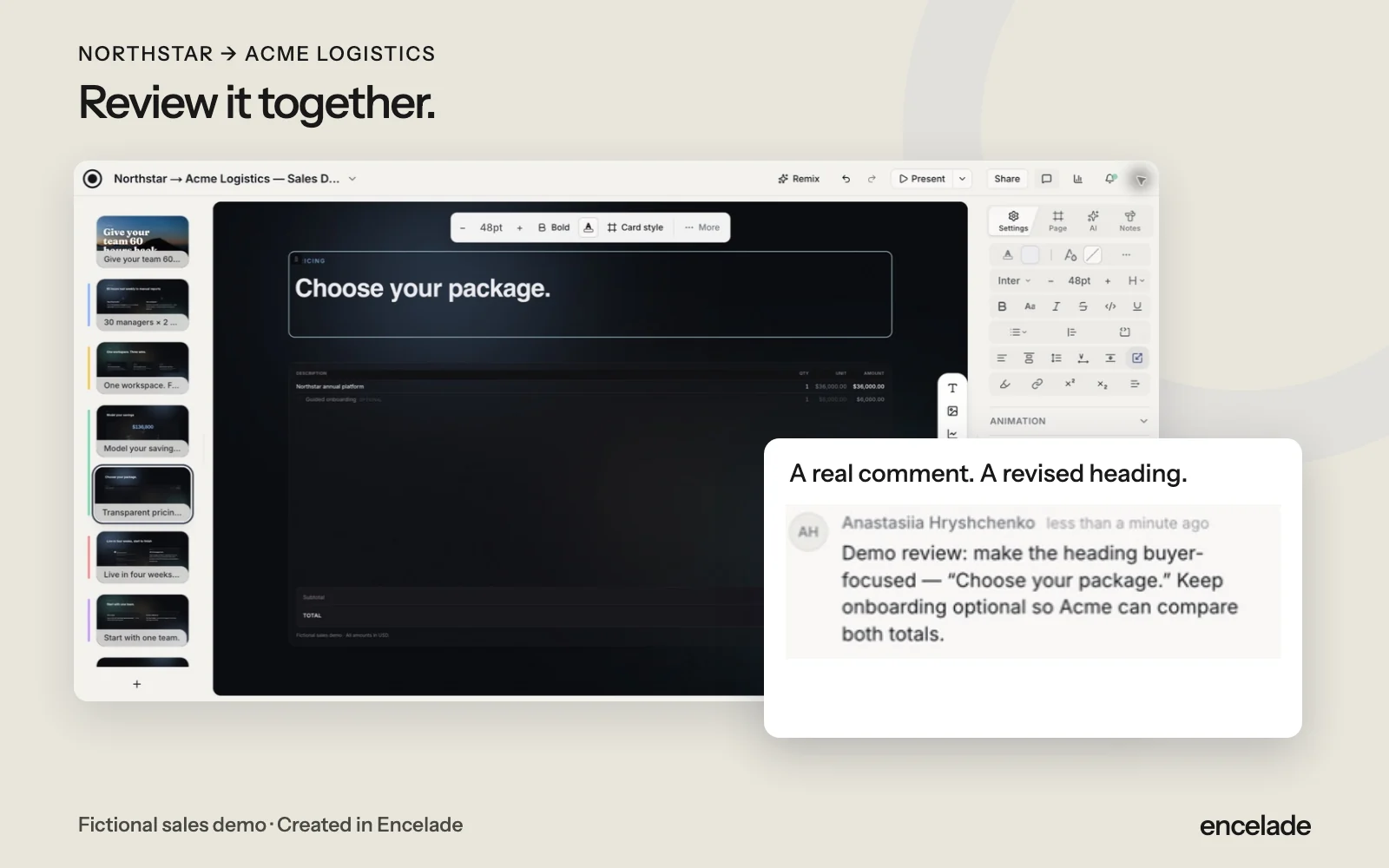
Bring sales, marketing, and subject experts into one deck. Edit together, leave comments, and keep feedback beside the work.
History starts on Plus. Team adds comments, shared workspaces and 2 to 50 seats. Compare plans
How it works
Three steps to get started.
- 01
Apply your brand
Use your logo, colors, and fonts. Brand kits come with every plan.
- 02
Review together
Edit with teammates and comment on the details that need work.
- 03
Share the final version
Set project access, revisit earlier versions, and publish one link.
See collaboration in action.
Read the transcript
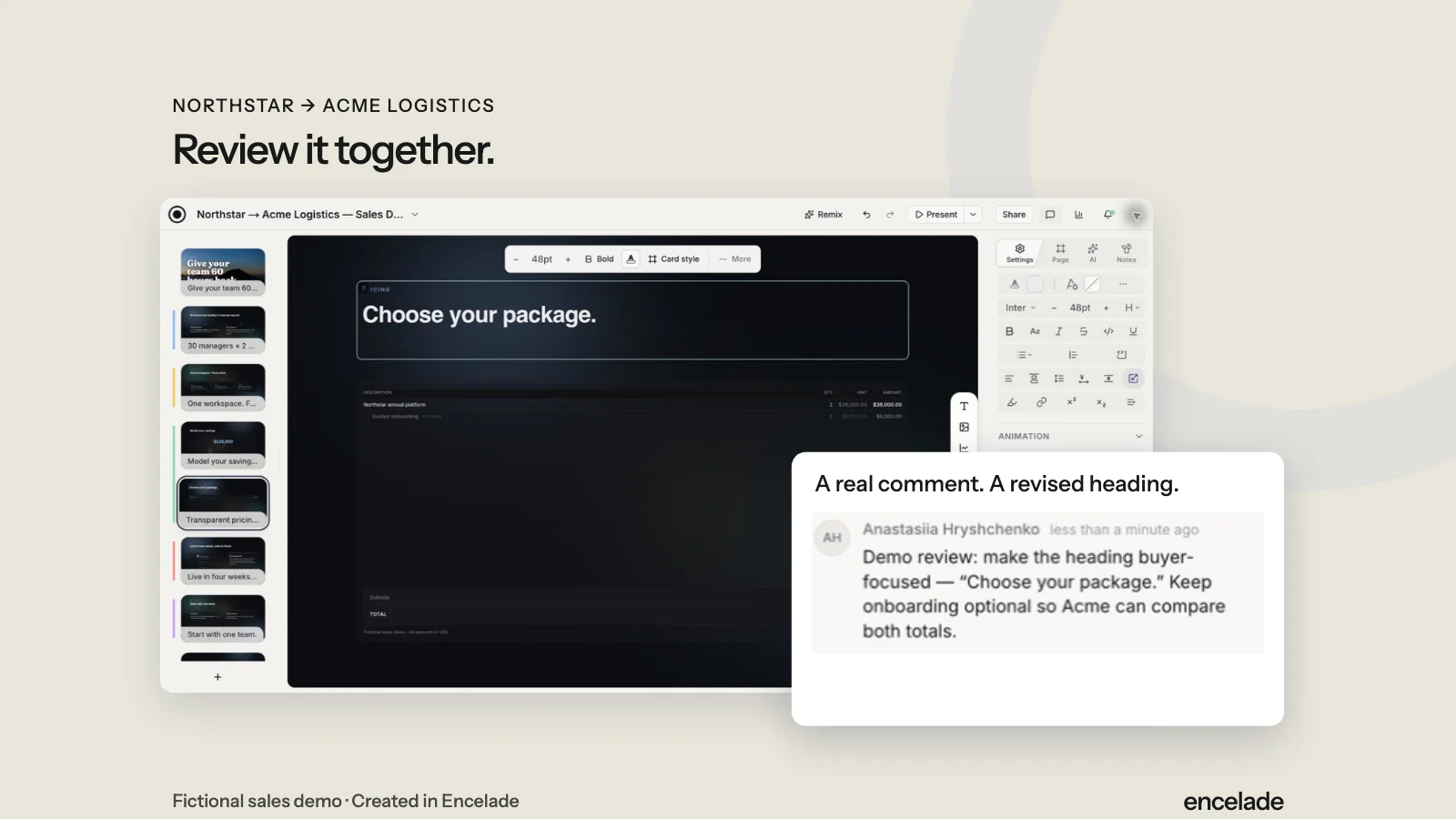
Leave a comment beside the work. Apply the feedback in the editor so your team can review the revised deck.
Read the detailed transcriptIn the product
What you can do.
- Shared editing with presence and cursors
- Comments beside the work
- Brand kits and themes
- Project permissions
- Version history
- Team workspaces and centralized billing
Your questions, answered.
Can sales and marketing edit the same deck?
Yes. Give teammates project access to edit together and discuss changes in comments.
Is there an automated approval chain?
No. Comments and permissions support team review. Your team manages its own approvals.
Which plan should a team choose?
Team includes comments, shared workspaces, 2 to 50 seats, and Pro features. For individual plans, history starts on Plus.