
Choosing the right Beautiful.ai alternatives isn't really about finding a prettier template library. It's about whether your team is still living in static slides when the work now happens in browser links, live data, and shared review workflows. If you only compare layout polish, you'll miss the tools that solve version drift, async approvals, mobile editing, and interactive delivery.
The presentation market is big enough to make that mistake expensive. Coherent Market Insights values presentation software at roughly USD 8.6 billion in 2026, on a path to about USD 21.4 billion by 2033 at a 13.9% CAGR. That growth is flowing toward browser-native, data-connected tools, which is why the better comparison is workflow first, design second.
I'd separate these tools by what they replace. Some are for fast AI drafting, some for collaborative slide editing, some for web-native engagement, some for sales personalization, and some for developer automation. I'm looking at capabilities, limitations, export behavior, migration friction, and who each tool fits best, because those are the details that matter once a deck moves from a one-off file to a repeatable business asset.
Table of Contents
- 1. Encelade
- 2. Gamma
- 3. Pitch
- 4. Canva for Presentations
- 5. Microsoft PowerPoint with Copilot
- 6. Google Slides with Gemini for Google Workspace
- 7. Visme
- 8. Storydoc
- 9. RELAYTO
- 10. Prezi
- A note on Tome
- Beautiful.ai Alternatives: Feature Comparison
- Make the Switch With a Workflow Test
1. Encelade
When Beautiful.ai users hit the ceiling on static decks, Encelade is a practical next step. It turns research, CRM notes, spreadsheets, and documents into interactive, web-native decks that are shared as mobile-responsive links, so the presentation stays current instead of living as a stale file. For revenue teams, that changes how content is built, reviewed, and sent.
The workflow advantage is the combination of AI drafting, live data, and interactive delivery in one system. Encelade includes a browser editor, a Presentation API and MCP server for programmatic generation, a library of 50+ interactive widgets, and live sync through Google Sheets and REST APIs. It also supports native .glb/.gltf and Spline scene embedding, so product demos, device mockups, charts, maps, and 3D views stay inside the presentation instead of being flattened into screenshots. That matters for teams comparing static slide tools with web-native platforms. Its own interactive presentation software overview shows how the product is built around that model.
Where Encelade beats slide-first tools
The main advantage is version control through links. Instead of emailing a deck and hoping everyone opens the latest copy, teams can send one live presentation and track engagement analytics like views and time-on-slide. That is useful when sales, marketing, and presales all need the same narrative without separate copies drifting apart.
It also helps with the workflow gaps Beautiful.ai users usually outgrow:
- One-prompt bulk restyling: Update color, typography, and layout across a deck without touching each slide by hand.
- Live data bindings: Keep metrics current from Sheets or APIs, which reduces stale numbers in proposals and QBRs.
- Developer automation: Use the API or MCP layer to generate presentations from code or agent workflows.
- Brand governance: Apply themes, custom branding, roles, and permissions so shared decks stay on brand.
That mix is useful when presentation work stops being a one-off design task and becomes part of an operating process.
The trade-off is straightforward. Encelade's strongest behavior depends on browser delivery, so exported PDF or PPTX files do not keep the interactive parts. If your audience needs offline review, exports still matter, but they are secondary to the link-based experience. For teams that need live data, embedded widgets, native 3D, and API-driven generation, that trade is usually worth it. You can try it for free at Encelade.
2. Gamma
A Beautiful.ai user usually feels Gamma's value first when the deck stops being just a deck. Gamma sits between slide editors and lightweight content platforms, which matters if you publish as links instead of handing off files. It supports presentations, docs, and mini-sites in one workflow, so the same draft can serve different delivery needs without rebuilding from scratch. The product is Gamma.
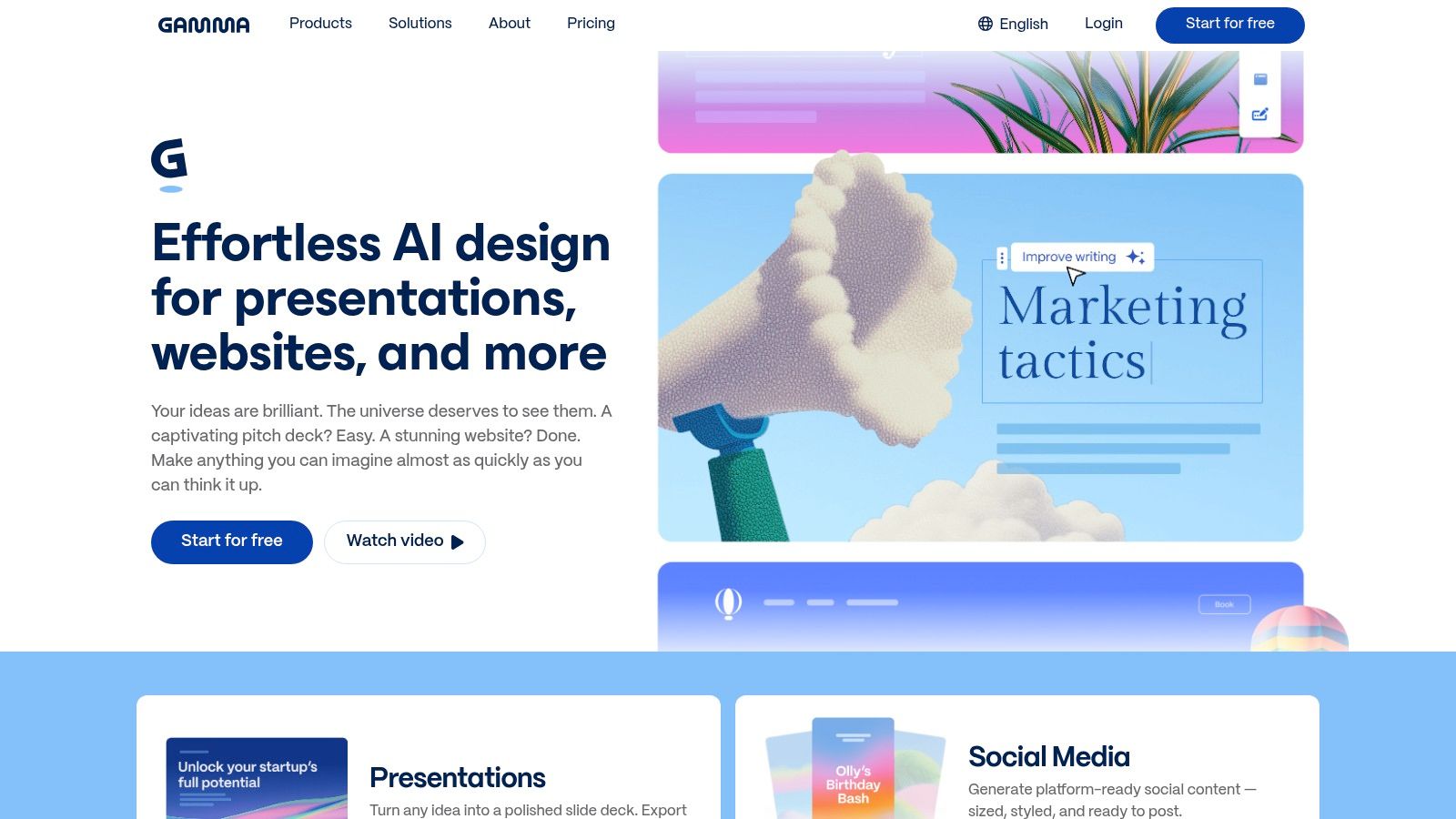
That web-native approach also changes the trade-offs. Gamma can publish as a link or export to PDF, PPTX, or PNG (a PPTX file also opens in Google Slides), which helps when a team needs live sharing now and file-based editing later. Paid plans add custom domains, themes, analytics, API access, and mobile apps for iOS and Android.
Best fit and trade-offs
Gamma fits teams that care about shareable delivery, but still need compatibility with traditional presentation workflows. It works well for drafts, customer review links, and content that may later move into PowerPoint or Google Slides. The handoff is easier because the export path already exists.
The limits show up in day-to-day operations. Pricing and AI usage are tiered, so teams should test the exact workflow they plan to standardize on before migrating. Mobile support helps for review and light edits, but heavier desktop editing can still feel more comfortable on a laptop. Gamma is practical if you want a web-first creator with useful exports, analytics, and automation hooks, but it asks you to accept some plan-based constraints and a little migration setup.
3. Pitch
Pitch is a good fit for account teams that care about collaboration and follow-up performance more than flashy visual tricks. It keeps the slide structure familiar, but adds the kind of team structure that Beautiful.ai users often start missing once multiple people begin touching the same deck. Shared libraries, roles, permissions, branded templates, and link sharing all matter here. Its website is Pitch.
What sets Pitch apart is the emphasis on trackable share links. For sales proposals and follow-up decks, that means the sender can measure whether the recipient engaged with the presentation instead of guessing from an email open. It also supports PPTX and PDF exports and embed options, so teams can move between presentation formats without rebuilding content from scratch.
Why it works for sales teams
Pitch stays close to the traditional slide model, which lowers the learning curve for teams moving away from Beautiful.ai. It's especially helpful when the workflow already includes templates and review cycles, because users don't have to learn an entirely new content structure. That reduces migration friction.
The biggest strength is that the tool feels built for collaborative deck-making rather than solo design. The downside is that the most useful engagement analytics and admin controls sit behind paid plans, so a team switching specifically for viewer insight should evaluate the paid tiers rather than the free one. For teams that want a familiar presentation environment with better sharing intelligence, Pitch is a sensible contender.
4. Canva for Presentations
Canva makes sense when presentations are only one part of a broader design workflow. Its Magic Design for Presentations is useful for turning prompts into slides quickly, but the bigger advantage is that the same editor can also handle social graphics, one-pagers, and video. That matters for marketing teams that want one brand system across all their customer-facing assets. The product page is Canva.
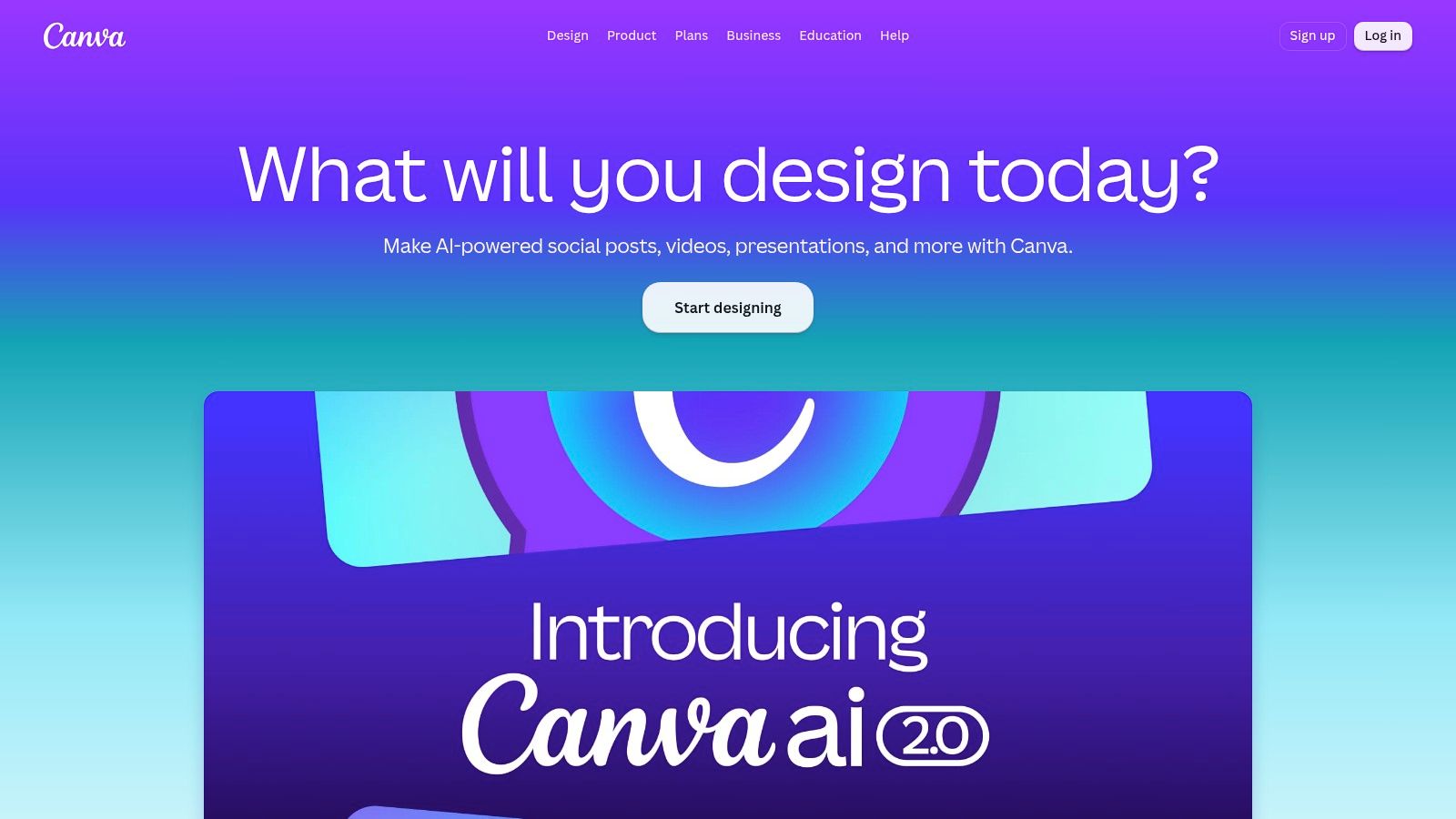
Canva's Brand Kit gives non-designers a relatively easy way to stay on-brand with colors, fonts, and logos, and its template library is broad enough to support fast production. It also exports to PPTX and PDF, which makes it easy to hand work off to PowerPoint users who still need to finalize content elsewhere.
Where Canva fits, and where it frays
Canva is the most practical choice for teams that need a broad design suite, not a presentation specialist. If marketing owns the deck and the same people also need campaign graphics, event collateral, or internal flyers, the platform can reduce tool sprawl. That convenience is real.
The trade-off is that AI layouts can need rework when the story is more complex than a marketing overview. Brand application beyond the obvious elements often needs manual tuning, especially for B2B narratives with dense structure or data-heavy sections. So Canva is best when versatility matters more than precision. It's not the sharpest tool for interactive sales work, but it's often the easiest all-purpose option.
You can also use our presentation software alternatives to PowerPoint guide as a cross-check when your team is deciding whether to stay in a broader design suite or move to something more presentation-specific.
5. Microsoft PowerPoint with Copilot
PowerPoint with Copilot is the default answer for teams that don't want to leave the Microsoft stack. That alone makes migration easy. If your company already standardizes on Microsoft 365, the attraction is clear, because users keep the same file format, the same templates, and the same compliance expectations. The product page is Microsoft PowerPoint.
Copilot can generate a deck from a prompt or document, rewrite and summarize content, and help align slides with brand guidance inside PowerPoint itself. The biggest operational benefit is compatibility. .pptx fidelity, template masters, SSO, and Microsoft 365 controls all matter when presentations need to pass through enterprise review processes without surprises.
When PowerPoint is still the right choice
PowerPoint wins when the company values stability, offline access, and broad compatibility more than experimental delivery formats. It's also the safest path for teams that have large template libraries and don't want to rebuild governance from scratch. If your stakeholders insist on editable PowerPoint files, this is still the path of least resistance.
The limitation is creative range. Without designer input, AI-generated layouts can look a little safe, and the product is still slide-first rather than web-native, so there is none of the live-link behavior that newer browser-based tools offer. For many enterprises that is perfectly fine. For teams trying to modernize how they deliver, it can feel like a half-step.
If your review process starts and ends in PowerPoint, staying in PowerPoint can be the fastest migration you'll ever make.
6. Google Slides with Gemini for Google Workspace
Google Slides with Gemini is the natural pick for teams already living in Google Workspace. It keeps the collaborative behavior that people expect from Docs and Sheets, then layers in AI for presentation generation and on-slide assistance. For Google-first organizations, that usually means less training and fewer workflow changes. The product page is Google Slides with Gemini.
The main strength is native collaboration. Users can co-edit in real time, comment directly in the deck, and manage files through Drive permissions without adding another content system. That keeps draft-to-final workflows fast, especially for cross-functional teams that need to revise the same presentation quickly.
Best use cases and limits
Google Slides works best when speed, access control, and shared editing matter more than rich interactivity. It is also easier to keep aligned with Workspace admin controls and data protection policies, which helps larger companies manage risk. For many teams, that's enough.
The trade-off is that the AI feature set and rollout can vary by SKU, so buyers need to test what they'll get in their environment. Advanced analytics for external viewers usually require add-ons or integrations, so if your team cares about who viewed what after the deck is sent, you may need extra tooling. That makes Google Slides a strong collaboration base, but not always a complete external engagement platform. If you're moving content between ecosystems, our PowerPoint to Google Slides migration guide helps preserve structure without rebuilding every asset.
7. Visme
Visme is a strong option when the presentation needs to look polished, stay on-brand, and support more than one output format. It sits between a slide tool and a visual content platform, which is useful for proposals, reports, and customer-facing documents that need more design governance than a basic editor usually provides. The product page is Visme.
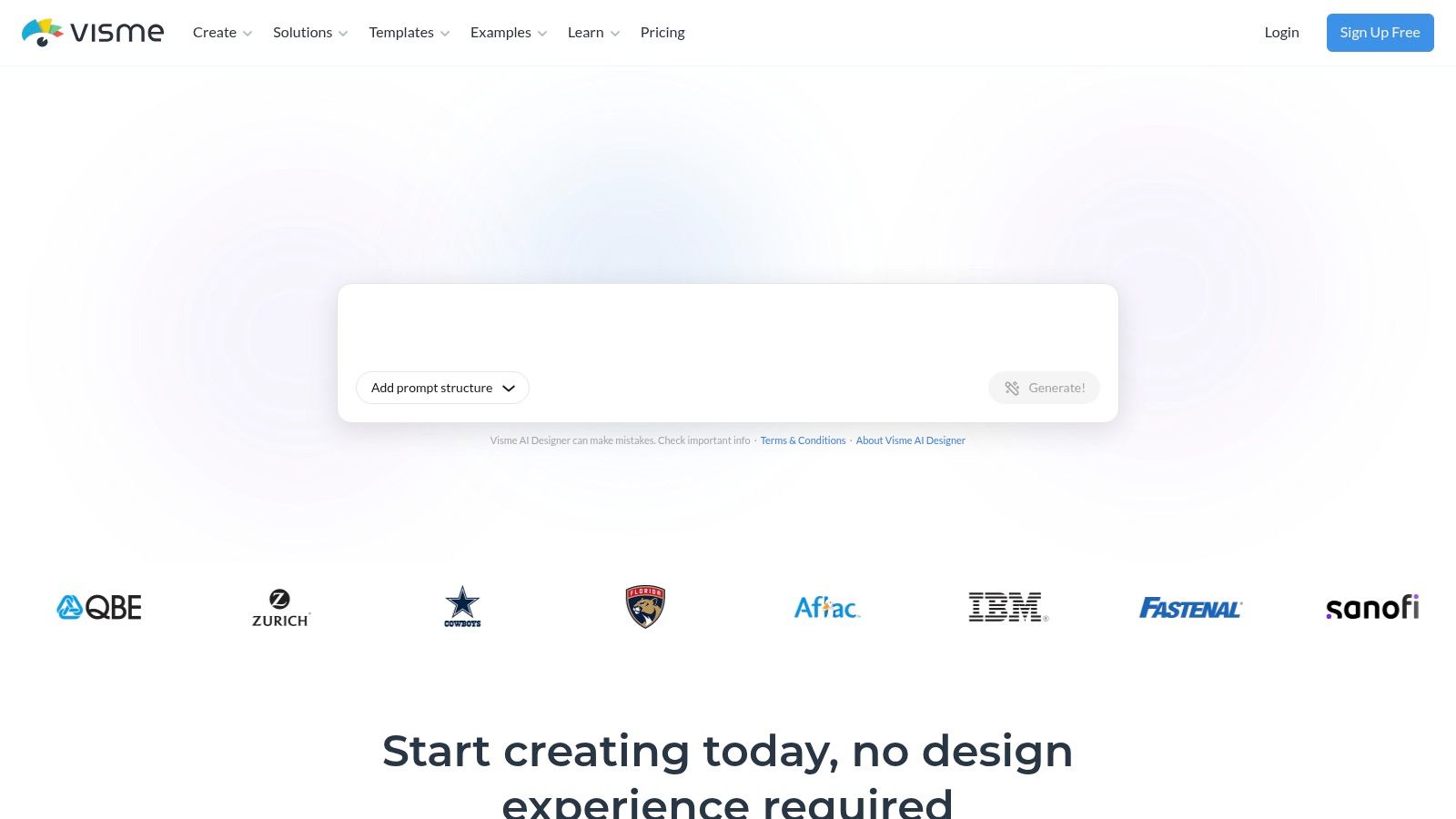
The product includes AI-assisted presentation creation, a Brand Kit, template locking, permissions, and exports to PPTX, HTML5, MP4, and GIF. That breadth matters when a team needs a deck, a shareable asset, and a motion-friendly version from the same source file. Built-in analytics and integrations, including Google Analytics connectors, also give it more reporting depth than a basic slide maker.
Why teams choose it
Visme is useful for non-designers who still need control. Template locking helps maintain consistency across teams, and the broader export support gives marketing and communications teams more options for publishing. If your deck is also meant to become a web asset or a short motion piece, Visme is better equipped than many slide-only tools.
The downside is complexity. The interface can feel broad when the task is simple, and some enterprise features are gated to higher tiers. That's a fair trade if your team wants a controlled visual content system, but it can feel heavy if all you need is a quick customer proposal.
8. Storydoc
Storydoc is built for sales content that should be read as a link, not downloaded as a file. Its interactive, scrollable storydocs are designed for AEs and growth teams that want proposals, one-pagers, and case-study style assets to feel more like a guided web experience than a slide deck. That makes it a natural fit for external-facing sales work. Its website is Storydoc.
The standout feature is personalization with variables and version automations. That means teams can tailor a storydoc by account, segment, or use case without manually cloning every version. It also offers extended analytics and PDF export on higher tiers, which helps when a buyer still wants a file after interacting with the web version.
Where it wins
Storydoc is especially good at proposal delivery. The templates are tuned for sales stories, and the link-based format makes it easy to share with prospects without worrying about attachments or broken formatting. Engagement analytics help the sender see how prospects interact with the content, which is useful for prioritizing follow-up.
The trade-off is that it feels less like a classic slide editor, so slide-first teams may need a moment to adjust. Starter limits on active documents and branding can also bite once you try to scale usage across a larger revenue org. It's a strong choice for externally shared sales narratives, but not the best general-purpose presentation workspace.
9. RELAYTO
RELAYTO is best thought of as a content experience layer rather than a traditional slide app. It converts PDFs and slide files into web-native branded experiences, which is useful when a team already has assets and wants to make them more interactive instead of rebuilding them from scratch. That's a different path from most Beautiful.ai alternatives. Its website is RELAYTO.
Its Interactivity Studio supports embeds, hotspots, video, and forms, and the platform adds content hubs, custom domains, privacy settings, and slide- and element-level analytics. That makes it especially useful for proposals, product overviews, and demand-gen content where the team wants to see what people clicked and how long they stayed.
Best fit and friction points
RELAYTO works well if you already have PDFs or PowerPoints and want to lift them into a more engaging web format. It's especially good for buyer-intent signals, because the analytics go deeper than a simple view count, and in a sales cycle that helps teams point follow-up at the sections that actually got attention.
The trade-off is that it's more of a web experience platform than a classic deck editor. Buyers also tend to encounter sales-led pricing and limited self-serve detail, so evaluation may take more work than with simpler tools. Still, for teams trying to convert old collateral into an interactive presentation layer, it's a very practical option.
10. Prezi
If Beautiful.ai's templated look is exactly what you want to get away from, Prezi is the most different tool on this list. Instead of a linear stack of slides, it uses a zooming canvas, so a presenter can open on the big picture, dive into one detail, and pull back out without breaking the thread. For a live sales story or a webinar, that movement can hold attention better than clicking through fixed slides. Its website is Prezi.
Prezi has also added AI generation: it can build a first draft from a prompt or an uploaded document, lets you edit the outline before it commits, and can pull brand colors, fonts, and a logo from a website URL. PowerPoint import means teams can reuse existing material while changing how it is delivered. The trade-off is the learning curve — canvas movement takes practice, and for dense, data-heavy reporting the motion can distract more than it helps. Reach for Prezi when the goal is a guided narrative, not a reference document.
A note on Tome
Tome deserves a direct mention because older comparison articles still recommend it, and that recommendation is now out of date. Tome shut down its AI presentation product on April 30, 2025, users who had not exported their decks lost access, and the team pivoted to Lightfield, an AI-native sales tool. If a 2026 listicle still points you to Tome as a live deck maker, it hasn't been updated.
The prompt-to-deck job Tome used to cover is now handled by the AI-native tools higher on this list. If you came here looking for a fast, story-first draft, Gamma covers that ground, and Encelade covers it when the draft also needs live data and interactive delivery.
Beautiful.ai Alternatives: Feature Comparison
| Product | Core strengths | Unique features | Target audience | Value & pricing |
|---|---|---|---|---|
| Encelade | AI-driven deck generation, live data connections, web-native interactivity | 50+ widgets, native 3D (.glb/.gltf + Spline), Presentation API & MCP server, one-prompt restyle | AEs, SDRs, sales engineers, RevOps, marketing, developers | Free Starter tier; Builder/Pro/Team. PDF & PPTX exports; API & MCP on Pro; workspaces & roles on Team |
| Gamma | Prompt-to-presentation, link publishing, flexible formats | Cards-to-pages layouts, PDF/PPTX/PNG export, API access, analytics | Teams publishing link-first content | Tiered AI/branding plans; custom domains and mobile apps on paid tiers |
| Pitch | Collaborative slide workspace, branded templates, shared libraries | Per-link viewer analytics, roles and permissions, embeds | Account teams, enablement, design-led orgs | Free tier; paid seats unlock advanced analytics and admin controls |
| Canva | Broad design suite, Brand Kit, huge template library | Magic Design for Presentations, multi-format (social, video, one-pagers) | Marketing, non-designers, SMBs | Freemium; Pro/Team for brand kit and full export options |
| PowerPoint + Copilot | Enterprise-ready, .pptx fidelity, template masters | Prompt-to-deck, rewrite/summarize, SSO and M365 controls | Enterprises, compliance-focused teams | Included in Microsoft 365; Copilot is a paid add-on |
| Google Slides + Gemini | Real-time co-editing, Drive and Sheets integration | Gemini generation and on-slide assistance, image generation | Google Workspace-first teams | Workspace tiers; AI rollout varies by SKU |
| Visme | Brand governance, multi-format visual content | Template locking, HTML5/MP4/GIF export, Google Analytics connectors | Marketers, content and communications teams | Affordable entry plans; enterprise features on higher tiers |
| Storydoc | Interactive scrollable storydocs, sales-optimized delivery | Personalization variables, version automations, engagement stats | AEs, growth teams, proposal owners | Tiered; starter limits on active docs and branding |
| RELAYTO | Converts PDFs/slides into web experiences | Interactivity Studio, content hubs, element-level buyer-intent analytics | Sales, product marketing, content hubs | Sales-led pricing; enterprise focus |
| Prezi | Zooming, non-linear storytelling; strong for live delivery | Zoomable canvas, Prezi Video, prompt/document AI generation, brand extraction from a URL | Storytellers, webinar and sales presenters | Freemium; higher tiers for analytics and offline use |
Make the Switch With a Workflow Test
The best choice depends on the workflow you've outgrown. Pick Gamma for flexible web publishing and fast drafts, Pitch for collaborative proposal work, Canva for broader marketing design, PowerPoint or Google Slides for ecosystem compatibility, Visme for governed visual content, Storydoc for sales storydocs, RELAYTO for converting existing files into interactive experiences, Prezi for guided, non-linear storytelling, and Encelade when revenue teams need web-native delivery, live data, interactive widgets, native 3D, and API or MCP-driven generation. That last category is the one most Beautiful.ai users eventually run into when the deck stops being a file and starts being a working sales asset.
Migration goes smoother when you test one real workflow instead of trying to move everything at once. Start by inventorying existing decks, then identify the must-keep exports and brand rules. Choose one representative use case, reconnect the data sources it depends on, and rebuild only the high-value interactive sections first. After that, test permissions and mobile behavior, compare browser and PDF/PPTX outputs, and standardize one reusable template before rolling it out wider.
The biggest mistake is migrating for aesthetics and ignoring delivery. If your team sends decks to prospects, customers, or internal reviewers, the question that actually matters is whether the content stays accurate, easy to review, and easy to reuse. The right platform should cut rework, not just improve how the first slide looks.
If you want to see what an interactive, web-native presentation workflow looks like in practice, Encelade turns your research, CRM data, spreadsheets, and documents into live decks you can share as a link. Test it against one live proposal or customer deck. You can get started for free, or schedule a 30 minute demo to see whether your team is ready to move beyond static slides.