
You're wasting time on the wrong part of the sales cycle. If your sales reps are spending the majority of their time on administrative work, they are burning out. The most efficient sales teams don't work more. They focus on eliminating work that is non-selling, streamlining handoffs, and ensuring every tool in the sales technology stack promotes the sales process rather than increasing the number of administrative tasks.
Estimates of how much time your sales teams spend on tasks outside of traditional sales have been documented. According to Salesforce, salespeople spend only 28% of their time selling. The remaining time is spent on deal management, data entry, and internal coordination. The same study found nearly 70% of reps felt overwhelmed by the number of tools they had been given, and nine out of ten sales organizations planned to consolidate their tech stack in response (Salesforce, State of Sales, fifth edition).
This list is focused on the sales productivity tools that help more with execution. They matter most when they reduce the number of tools rather than look good when added to a procurement request.
The options are organized by category to help you find the tools you need to address the bottlenecks in your workflow from prospecting and engaging with forecasting, CRM hygiene, inbound routing, and proposal tools. The goal is to show you how the tools you select integrate into modern stacks and how Encelade can be used to provide account-specific decks and QBRs.
To increase output this quarter, addressing the bottlenecks that create friction in your reps' weeks should be your top priority. Broad-based AI adoption has happened — 87% of sales teams use AI at some point in the sales cycle, and 54% of sellers have used AI agents — but the asymmetry of embedded AI use is noticeable. Most teams that purchase licenses do not achieve significant improvements compared to teams that embed AI agents (Rework, on Salesforce's 2026 State of Sales). The embedded AI agents that sales teams deploy as part of their normal selling activities provide the most value to their selling teams.
One note before the list: Clari and Salesloft merged in December 2025 and are now one company. They still sell as separate products and have separate buying processes, so they will appear individually below. However, if you are evaluating them, you must evaluate them as one.
Table of Contents
- 1. Encelade
- 2. Outreach
- 3. Salesloft
- 4. Apollo.io
- 5. HubSpot Sales Hub
- 6. Gong
- 7. Clari
- 8. ZoomInfo
- 9. Chili Piper
- 10. Scratchpad
- Feature comparison
- How to build your high-productivity sales stack
1. Encelade
Encelade helps with the stack when reps keep rebuilding the same proposal, QBR, or account deck from scratch. It turns research, CRM notes, spreadsheets, and documents into interactive, web-native presentations. Buyers will view a live presentation and not a stale attachment. For revenue teams, this tool goes beyond creating presentations, as it helps users reduce version drift, and keeps the materials needed for a deal current without a manual refresh.
The browser-based experience is the main differentiator. You get 50+ interactive layer types, including maps, globes, charts, device mockups, Gantt views, and code blocks, plus native 3D support for .glb, .gltf, and Spline content in the browser. Account narratives, product demos, and implementation roadmaps all work better here than in a static deck. You can easily connect to Google Sheets, Salesforce, HubSpot, Stripe, Notion, GA4, and Amplitude and pull your pricing, KPIs, or rollout timelines without a rep re-exporting slides before every meeting.
Practical rule: Use Encelade when the buyer needs to interact with the narrative, not just read it.
Why modern sales teams use Encelade
For those without a CS background, Encelade built a browser-based editor that lets users create presentations. Developers and agent builders can use the Presentation API and MCP tools to build automated presentations programmatically. If a team is looking to have standardized design across multiple accounts, the templates and collaboration controls will be especially useful. A single design standard can be instituted and maintained to create a consistent, scalable presentation. The workflow automation approach is easier to see in the AI workflow automation guide, which shows how teams move from manual slide assembly to repeatable presentation generation.
Using Encelade most effectively is for sales teams who need customized content for each account. A rep can pull data from CRMs, and individual presentation building and data insertion can be done at the point of sale. A consistent sales narrative can be created across regions of a sales territory while still adapting presentation content to the context of the account being sold to. The trade-off is that gaining the greatest presentation flexibility requires managing the design templates and data.
The pricing has a simple free model, which means you can try the tool and explore what the paid tiers have to offer. The paid tiers charge $8, $20, and $24 per month for Plus, Pro, and Team, respectively, when paid annually ($10, $25, and $30 per month if paid monthly), with Team billed per seat. The free tier has all of the layer sets, 3D, a monthly AI credit allowance, the brand kit, and PDF and PPTX exports. This tier is perfect for real deal work, but the decks in this tier will have a “Made with Encelade” badge, which Plus will remove. Capabilities like APIs and MCP will be available at the Pro tier, and the pricing page lists each plan's current allowances. Encelade was built to serve teams that need to leverage demos, QBRs, and account decks that are interactive instead of static.
Pros
- Live, data-connected decks: the tool can be integrated with Sheets and the CRM and can automate data refresh for users.
- Interactive storytelling: with over 50 types of layers and native 3D, Encelade renders richer experiences for buyers.
- Dual workflow: the tool supports a workflow in which a non-technical person builds a deck while technical teams code and automate using the APIs and MCP.
- Governance and scale: larger companies can build and secure their data using brand controls, collaboration roles, and enterprise security.
Cons
- Export trade-off: the PPTX and PDF exports do not support live widgets and native 3D the way the web version does. Interactivity lives on the shared link.
- Technical upside takes setup: the APIs, MCP, live integrations, and more complex 3D come with an implementation cost and a learning curve for the team.
2. Outreach
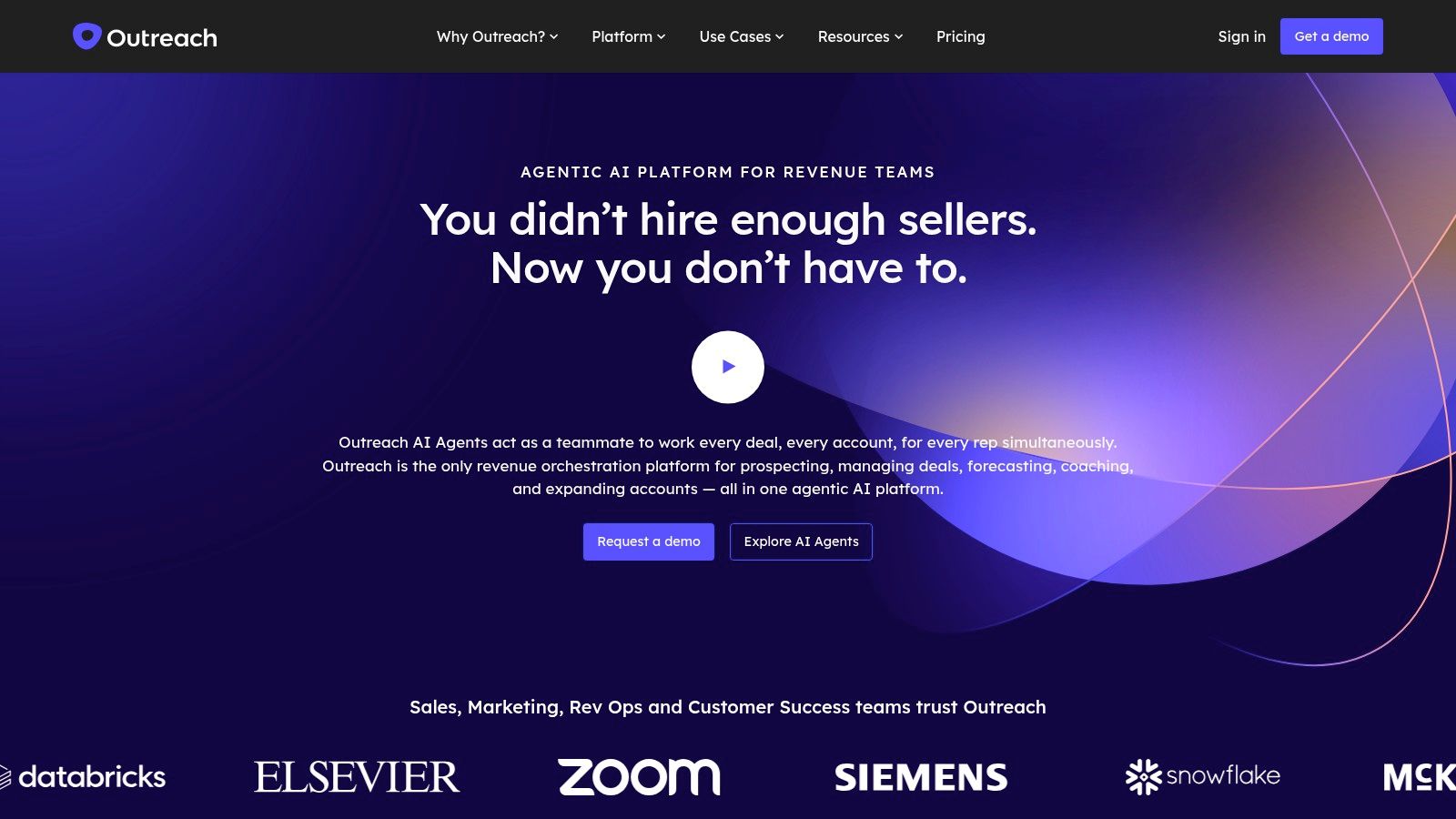
If you need an outbound execution option with robust structure at scale, Outreach is the heavyweight option. It consolidates deep multichannel sequencing, task automation, Kaia meeting intelligence, deal management, and Commit forecasting. Outreach has been an industry leader in shifting to agentic AI to help account research and meeting prep rather than reporting after the fact.
For a rep, this means having a structured day. Sequencing defines the next steps, tasks are automatically queued, and calling and emailing are logged directly to Salesforce. For a manager, the revenue module in Outreach helps see what plays are used to drive meetings, rather than relying on rep recollection.
The weight trade-off usually means that Outreach is not the first solution bought for a small team. Contracts are annual, Outreach does not publish pricing, and new customers usually face meaningful seat minimums. Additionally, Outreach helps teams that have sequencing and handoff logic, but is an expensive tracking solution that becomes a poor investment when deployed into an undefined process.
Pros
- Depth of sequencing: among the most capable multichannel engagement engines available.
- One system for execution and forecast: forecasting capability coupled with engagement system.
- Strong CRM governance: built for ops teams that need control over how reps work.
Cons
- Quote-only pricing: annual contracts, seat minimums that favor larger teams, no published tiers.
- Implementation cost: requires significant process design done before rollout.
3. Salesloft
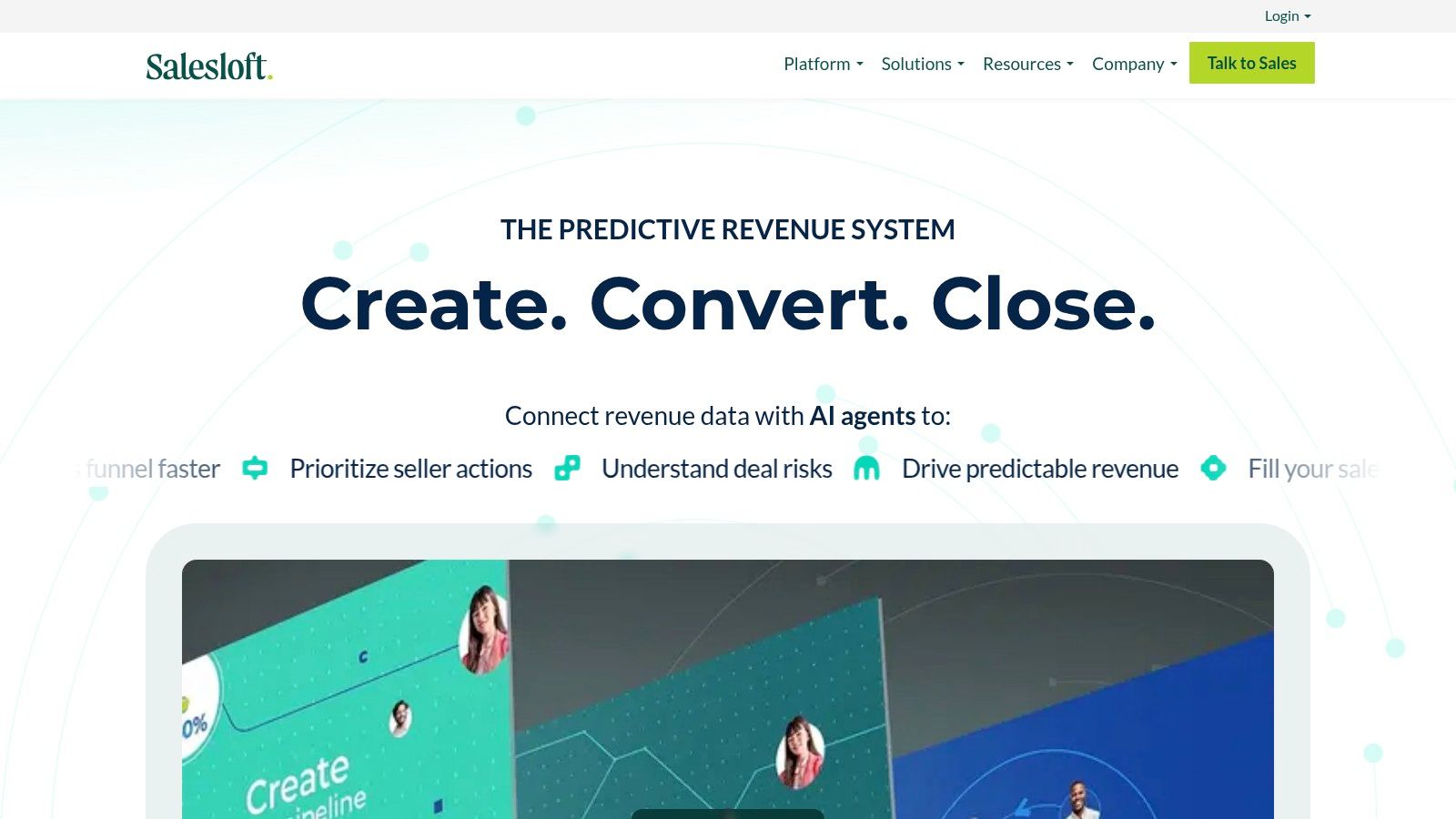
As a sales engagement solution, Salesloft's strength is working with teams looking to execute their outbound strategies more effectively. Salesloft doesn't make reps switch between applications. It centers on cadences, an integrated dialer, conversation insights, and pipeline inspection to evaluate rep activity and deal movement in one place. This helps managers and reps standardize follow-up and coach against real call activities.
The context has changed, however. In December 2025, Clari and Salesloft finalized their merger. Steve Cox now sits in the CEO chair of the combined entity. Both sites now take a unified “predictive revenue system” approach as their lead solutions. Integration across the offerings is now a long-term initiative. If Salesloft is on your shortlist, you should be asking about the integration roadmap, contract terms, and how they plan to bundle the engagement and forecasting solutions over the next few renewals.
Where it helps reps and managers
Today, the solution works well for both the reps and their managers. For reps, the value shows up in the daily routine. Cadences automate multi-step outreach while the dialer handles calls, giving managers a single pane for coaching on both channels.
From the managerial perspective, the inspection layer delivers the most value. The layer largely eliminates the guesswork associated with pipeline reviews and coaching activities for call and email step activities. It provides significant relief from the usual guesswork that is associated with forecast and inspection meetings.
For organizations comparing engagement platforms with broader enablement work, our sales enablement guide can be a useful reference point. Salesloft tends to be a better fit when engagement is part of a larger enablement process rather than a standalone process.
Pros
- Manager-friendly coaching: conversation data and inspection views make giving specific feedback easier.
- Execution in one place: cadences, calling, and pipeline visibility are located close together.
- Deeper forecasting roadmap: the Clari combination points toward better predictive capability.
Cons
- No published pricing: quote-only, per-seat, annual contracts typically means a real cost in the low six figures for mid-market teams.
- Merger uncertainty: product overlap with Clari is real, and the joint roadmap is still developing.
- Process discipline required: teams need playbooks and ownership to receive value.
4. Apollo.io
Apollo.io is best for teams focused on quick implementation rather than long, complex rollouts. Apollo.io sheds a lot of the friction that leads to stalling and improves throughput for outbound ops. A rep can source, enrich, push the data into the CRM, and engage, all in one workflow.
Without a disruption in the workflow, a rep can maintain a cadence that keeps follow-up fast enough to stay on pace, though engagement goals still need a manager's eye on the dashboard.
Transparency regarding pricing is quite high for this category — a free tier, then approximately $49, $79, and $119 per user per month for the Basic, Professional, and Organization tiers respectively, upon annual subscription. The true cost lies in the credit model. Apollo separates export credits from mobile credits. Active outbound teams routinely overspend the listed price as overages are counted. The quality of data also varies by segment, meaning the database needs to align to the ICP and region and support actual pipeline work. A large contact database is only useful if the records are aligned to the markets the data is sold into.
Pros
- Strong value density: one solution for data, sequencing, and calling.
- Public pricing and a free tier: teams can start without a procurement cycle.
- Fast setup: rapid deployment suits groups that want prospecting and engagement in a single solution.
Cons
- Credit discipline matters: usage-based meters can surprise teams without guardrails.
- Data fit varies: contact coverage and quality needs to be assessed by segment prior to deployment.
5. HubSpot Sales Hub
HubSpot Sales Hub has what smaller and mid-sized sales teams need when they want execution within a more comprehensive CRM and revenue system, rather than an additional separate layer to manage. Simplicity of purchase is just as important, given the breadth of offerings. For teams already using the HubSpot CRM, the Sales Hub tends to boost adoption, as the workflow feels native rather than a bolt-on solution.
A typical rollout would include the daily activities of sales reps. Prospecting, sequencing, calling, templates, meeting links, deal pipelines, forecasting, and AI guided selling are all housed in a single workspace, making it easier for managers to prioritize which features to roll out first and which can wait until the team is ready.
Best when sales work stays inside HubSpot
One thing worth factoring in as part of the assessment: quoting and CPQ are not included as part of Sales Hub. Instead, HubSpot sells them under Commerce Hub, which now operates as the Revenue Hub, which requires an additional seat on top of a Sales Hub seat. Sales Hub connects seamlessly with it, although a team that expects quote-to-cash is included will see a gap in the budget. Plan for this trade-off instead of discovering it as part of the pricing assessment.
HubSpot Sales Hub fits best when the rest of the stack is aligned around HubSpot, because mixed CRM environments usually create more friction than they remove. In practice, that means sales ops has less integration work, but it also means the company is making a clearer commitment. A staged rollout tends to work better than turning on everything at once: begin with the core motions, then add forecasting and guided selling once the workflows are stabilized.
Pros
- Public pricing: easier buying motion than quote-only platforms, which include a free tier to begin with.
- Natively built sales processes: sales motions literally reside in the CRM rather than beside it.
- Extremely fast deployments: especially if the company's CRM is already HubSpot.
Cons
- Quoting and CPQ cost extra: they live outside the Sales Hub in the Commerce Hub and need their own seats.
- Best inside the HubSpot ecosystem: mixed CRM environments create friction.
- Tier complexity: seat types and add-ons make it easy to over- or under-buy.
6. Gong
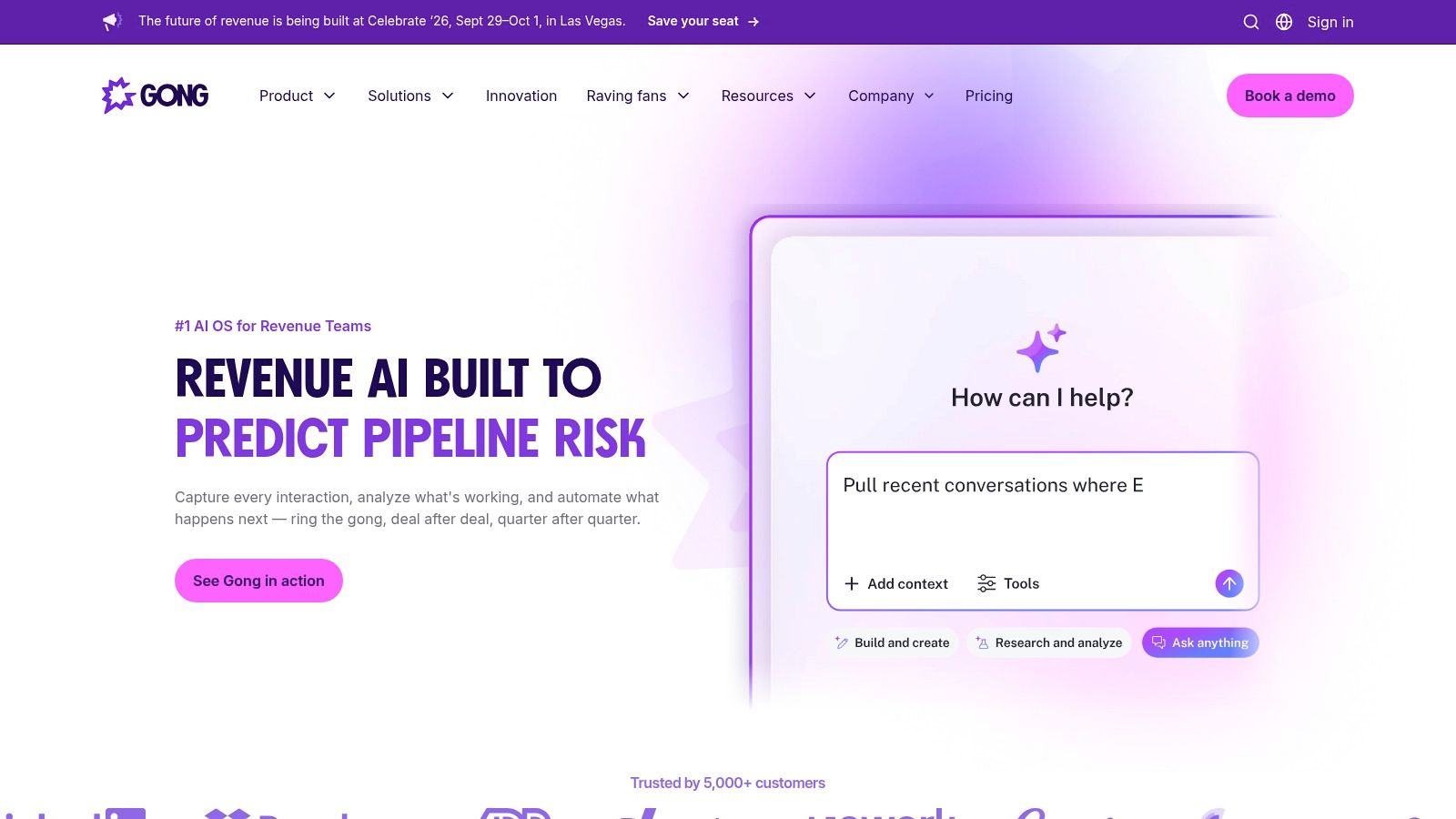
Gong is the leading conversation intelligence platform. It captures calls, emails, and meetings and surfaces the hidden patterns and attribution that managers cannot pull from CRM data: talk ratios, competitor mentions, objection handling, buying signals, and deal quiet spots. It provides coaching to managers and frontline reps based on evidence rather than opinion.
There is an indirect productivity gain. Reps no longer need to recap from memory and managers no longer need to sit in on calls, and deal reviews are based on what the buyer actually said. Gong also reduced the latency for processing insights in 2026, delivering them closer in time to the actual call rather than the next quarter.
There is a budget trade-off. Gong charges a platform fee and seat licenses annually, and Gong Forecast and Gong Engage are now separate purchases rather than standard inclusions. Teams that assume forecasting comes in the box tend to be surprised at renewal, and the effective first-year cost is typically higher than the stated seat price once onboarding fees and add-ons are included.
Pros
- Best-in-class call analysis: conversation data is the category benchmark.
- Evidence-based coaching: instead of relying on their own impressions, managers can address specific issues.
- Broad integration surface: it aligns with most CRMs and engagement tools.
Cons
- Modules cost extra: the Forecast and Engage modules are separate from one another and require an additional cost.
- Enterprise pricing: the platform fee plus per-seat licensing makes it a more expensive solution for small teams.
7. Clari
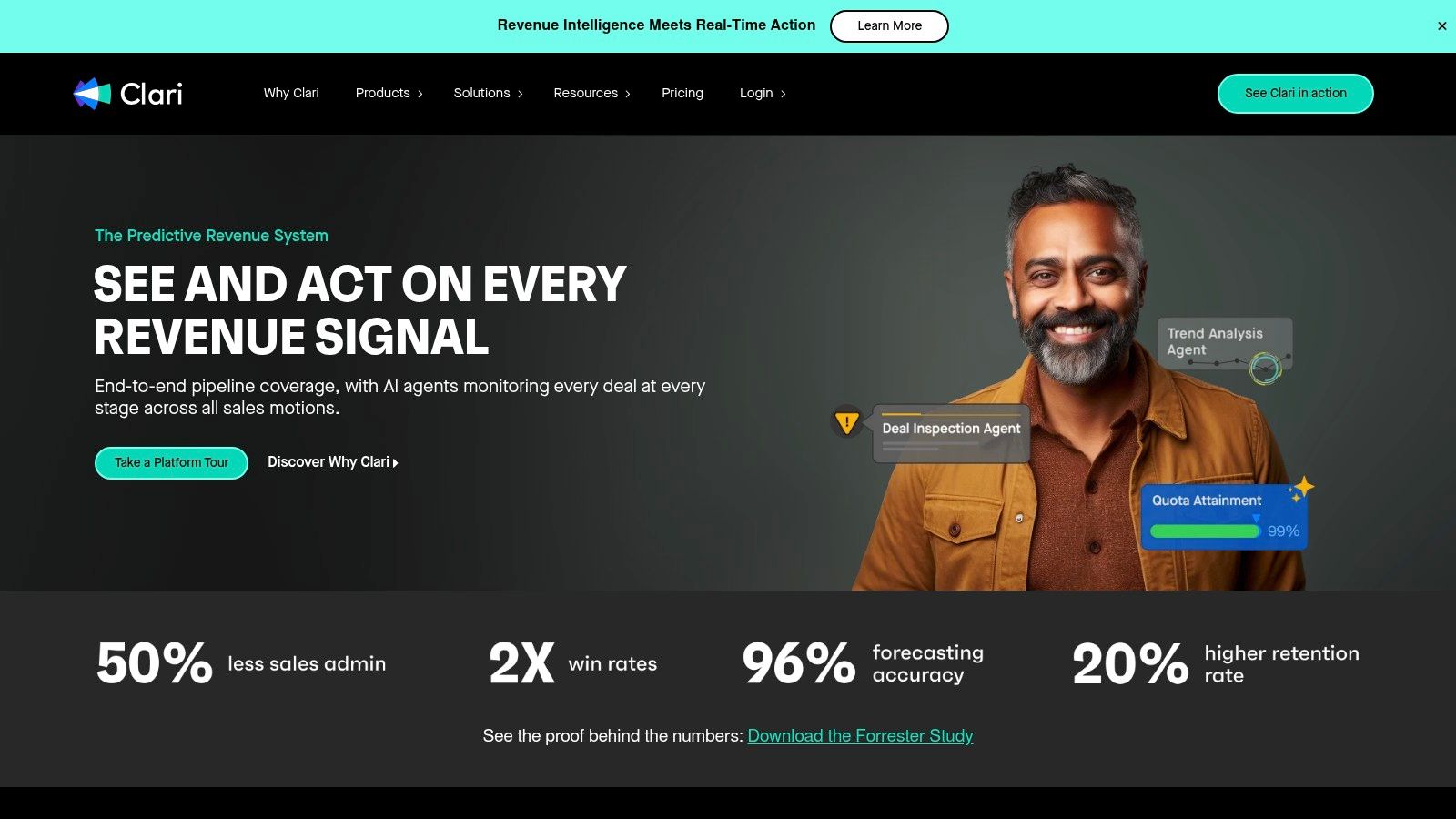
Clari is focused on teams that need to understand predictability. It has forecast and pipeline automation features built within its platform to help revenue leaders pinpoint risk earlier and manage their teams before quarter end. This feature is useful for teams with multiple layers, lengthy handoff processes, and a high risk of revenue loss.
Control the forecast, control the pipeline
The end use is ultimately control of the forecast and pipeline. The automation and control of the pipeline provided in Clari help forecast and give leadership a clearer understanding of the predicted outcomes and the actual state of the forecast. The acquisition of Groove added an engagement module, which ties the operational cadence to the final forecast. For teams looking to augment or replace their revenue systems, our sales intelligence platform guide can help determine where Clari sits and if it's a replacement tool alongside the other modules in the sales intelligence stack.
As with Salesloft, the same caution about the acquisition applies in the opposite direction. Clari and Salesloft are a single company as of December 2025, and the integration of the two platforms is still a work in progress. Both solutions cover the same areas of forecasting and engagement, respectively, making it a good idea for a prospective client to consider both solutions and the potential for cross-platform pricing at their second contract.
Value also depends on process. If stages are flexible, updates are irregular, or managers only look at the pipeline at the end of the quarter, then the platform will identify that. Revenue platforms do not heal broken processes; they make gaps harder to ignore. This is the reason why the best teams build them.
Pros
- Unified revenue view: forecasting and execution take place in the same operating model.
- Executive reporting: built for those who require more than just dashboards.
- Works well in complex orgs: made for those with multiple pipeline layers.
Cons
- Enterprise orientation: pricing and fit tend to favor larger companies.
- Overlap with Salesloft: post-merger partnership contains overlap and roadmap incongruency.
- Process dependency: with poor sales process, the value disappears quickly.
8. ZoomInfo
ZoomInfo is the data layer most B2B stacks buy at some point. It provides contact and company data, enrichment, and intent data, and it is usually the solution to the question of “who do we call?” rather than “why can't we reach them?”
The product naming has changed, so you need to assess against current packaging rather than older reviews. The SalesOS branding has been phased out. ZoomInfo released Copilot for sellers responsible for outbound prospecting, and GTM Workspace for sellers responsible for maintaining a full book of business, with GTM Studio aimed at marketing and RevOps. ZoomInfo also changed its ticker to GTM in 2025, shedding its previous identity as a data vendor.
Basic contracts for this category bundle credits based on expected usage, and they typically come at a high price. Data quality is notably less consistent across geographies and segments. When possible, ensure you check data coverage against your ICP before purchasing rather than relying on aggregate database coverage. The company and contact data coverage is best in class for mid-market and enterprise segments in North America, and thinner elsewhere.
Pros
- Depth of contact and company data: best-in-class coverage for core segments in North America.
- Intent signals: useful for prioritizing accounts before a rep spends time on them.
- Workflow, not just data: Copilot and GTM Workspace automate the daily workflow of sales teams.
Cons
- Complex, credit-based contracts: quote-only, with high annual costs.
- Uneven data quality by region: test data coverage against your ICP before committing.
9. Chili Piper
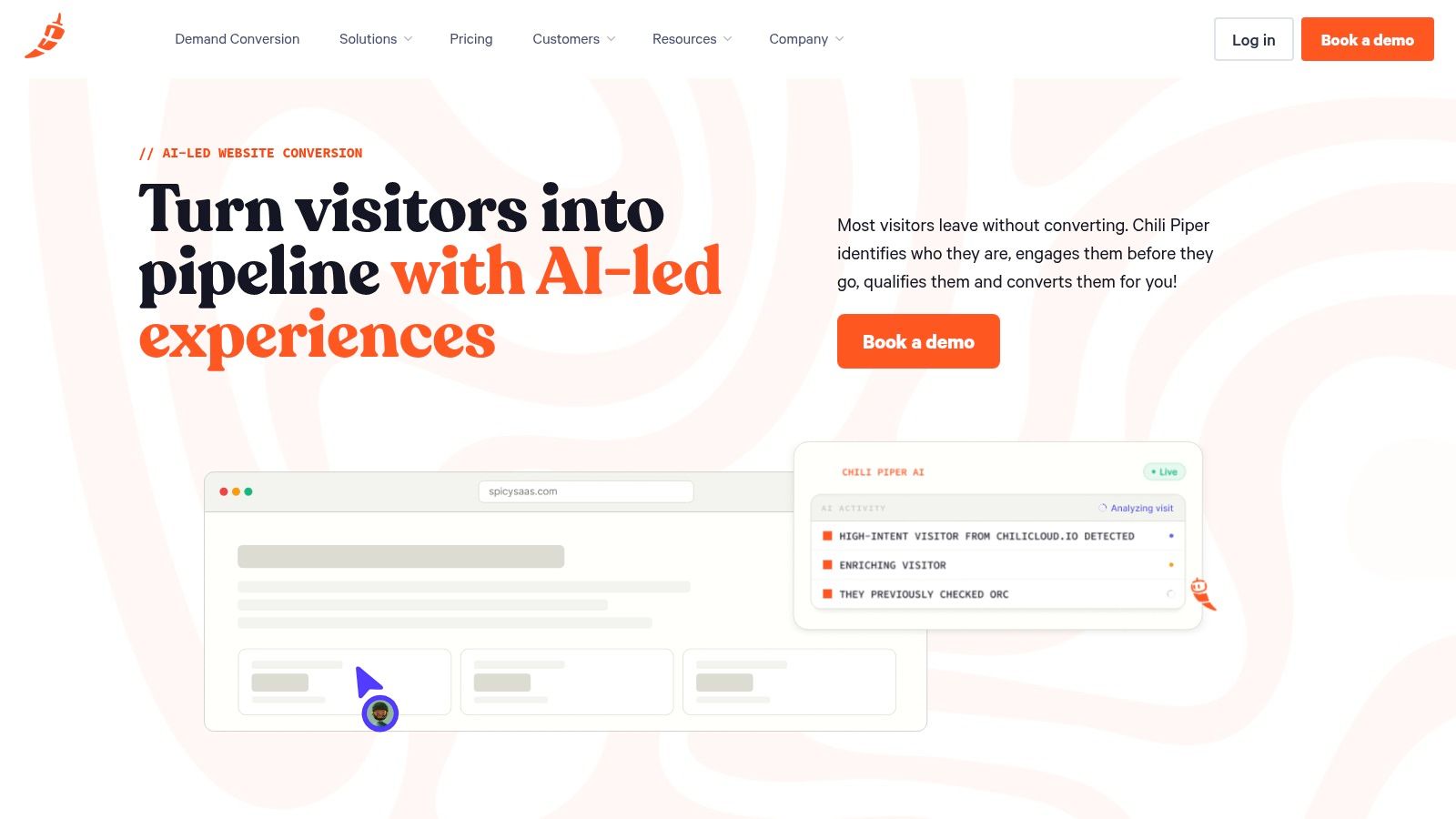
Chili Piper is a good choice when productivity gains come from shortening the inbound handoff lag. If form fills, chat leads, or website visitors sit waiting for a rep, the platform shortens that delay and moves high-intent leads to booked and confirmed meetings. Fewer leads fall out of the top of the funnel before anyone speaks to them.
Work-based example
One common process flow is to route either by source or owner, then move the buyer straight to the matching calendar path. Simplifying the SDR-to-AE handoffs means the rep who is next in line doesn't have to follow up and set the meeting on their own. As speed and accuracy become critical, it's important to have a path that incorporates both.
Concierge, Handoff, Distro, Chat, and ChiliCal cover those paths using different approaches — form-based qualification and scheduling, SDR-to-AE meeting handoff, distribution of Salesforce records, web chat, and scheduling links that automatically log to CRM. Because the products are licensed modularly, most teams end up using two or three, and the company has recently focused the entire suite on AI-based conversion of website forms and scheduling.
The trade-off is scope and commitment. Published plans begin at USD 15,000 per year, a cost that only makes sense for teams that have consistent volume. It also will not resolve a suboptimal qualification process. For routing and scheduling, it has a specific use case, and if you keep the rest of your technology engaged and reporting focused, it performs well.
Pros
- Purpose-built for inbound conversion: it reduces lead leakage.
- Transparent pricing floor: it has published starting pricing, which is less common in this market.
- Good handoff mechanics: convenient handoff mechanism for SDR and AE coordination.
Cons
- High entry price: the combination of USD 15,000 annual cost and annual commitment rule out small teams.
- Modular licensing adds up: most teams need to purchase a bundle of products to cover their routing.
10. Scratchpad
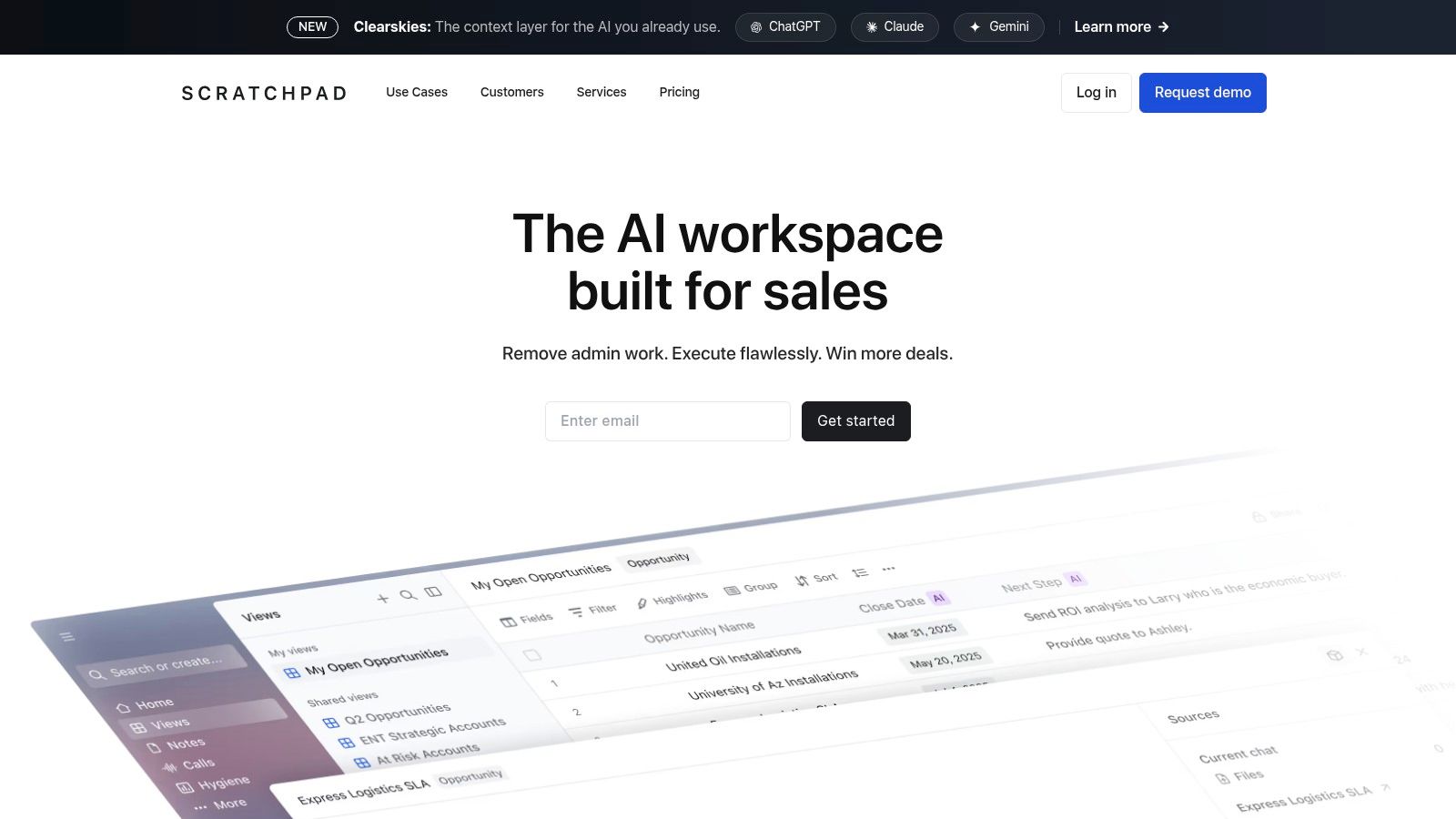
Scratchpad is ideal when reps waste too many productive selling hours juggling Salesforce. It sits on top of Salesforce, embeds forms for note taking, pipeline changes, call logs, and inspections, and reduces selling time lost to CRM admin for AEs and SEs.
Best for Salesforce-intensive teams
Removing friction is Scratchpad's differentiator. Its command palette, spreadsheet interface, and instant sync to Salesforce reduce the burden of notes for sellers. Managers gain helpful inspection and hygiene views to flag pipeline issues without needing reps to post separate reports.
Scratchpad is the best budget option on this list by far, listing per-seat pricing in the tens while others charge in the hundreds. That makes it very approachable to try out for your team. The time savings from eliminating data hygiene issues show up in just a few weeks.
Scratchpad works best as a companion to Salesforce. Use it with another CRM, and you quickly lose value. The product also works best with Salesforce fields and processes that are already aligned, as Scratchpad speeds up a structured Salesforce process.
Pros
- Clear admin time savings: significant for heavy Salesforce data entry and pipeline updates.
- Good rep adoption: sales rep utilization of the product is high due to the light interface.
- Low cost to try: price point allows a single team to try it out.
Cons
- Salesforce-centric: the value is limited outside that ecosystem.
- Requires process alignment: Scratchpad requires clean field structure in order to be effective.
Feature comparison
| Product | Core features | Pricing model | Best for | Unique strength |
|---|---|---|---|---|
| Encelade | AI web-native decks; 50+ interactive layers; live Sheets and CRM data; native 3D; editor plus API and MCP | Free; $8 / $20 / $24 per month billed annually (Team per seat); Enterprise custom | Sales, marketing, and revenue teams plus developers | Live-updating decks, native 3D, one-prompt bulk restyling, link-based delivery |
| Outreach | Multichannel sequences, Kaia meeting intelligence, Commit forecasting, agentic AI | Quote-only; annual; seat minimums | Mid-market and enterprise sales ops | Sequencing depth and revenue orchestration |
| Salesloft | Cadences, integrated dialer, conversation intelligence, pipeline inspection | Quote-only; annual per-seat | GTM teams standardizing outbound | Coaching workflows; merged with Clari |
| Apollo.io | Prospect database and enrichment, sequences, dialer, Chrome extension | Free tier; ~$49 / $79 / $119 per user monthly (annual) plus credits | SMB and mid-market outbound teams | Data and engagement in one affordable platform |
| HubSpot Sales Hub | CRM-native sequences, calling, templates, forecasting, AI guided selling | Public tiers; free through Enterprise; CPQ sold via Commerce Hub | Teams standardized on HubSpot CRM | Native CRM experience and transparent pricing |
| Gong | Conversation intelligence, deal insights, coaching workspaces | Custom; platform fee plus per-seat; Forecast and Engage sold separately | Revenue leaders, managers, enablement | Deepest conversation and deal analysis |
| Clari | Forecasting, pipeline inspection, workflows, Groove engagement | Custom enterprise pricing | Revenue ops and executives | End-to-end forecasting and revenue cadences |
| ZoomInfo | B2B contact and company data, enrichment, intent; Copilot and GTM Workspace | Quote-only; credit-based contracts | Demand gen and sales intelligence teams | Contact data depth and intent signals |
| Chili Piper | Concierge, Handoff, Distro, Chat, ChiliCal; routing and CRM logging | Published floor from $15k per year; modular | SDR and AE teams handling inbound | Instant scheduling and routing to cut lead leakage |
| Scratchpad | Notes-to-CRM sync, pipeline spreadsheets, AI call and note capture | Public per-seat tiers; SMB-friendly | AEs and SEs who live in Salesforce | Fastest CRM updates and high rep adoption |
How to build your high-productivity sales stack
To build a high-productivity sales stack, choosing the correct tools is only half the job. The other half is focused on the bottleneck. This means it must integrate with your CRM, reporting, and the way your reps spend their day. A collection of tools chosen due to feature counts usually results in an abundance of redundant tools, whereas a process-driven selection favors adoption and reduces the amount of non-sales-related tasks your reps spend their time on as they only spend roughly a quarter of their day doing sales-related tasks.
The biggest friction point is where you should begin. If your reps spend most of their time doing CRM admin work, Scratchpad is a good place to start. If speed to lead is your main concern, Chili Piper can surely help. If you don't know who to call, a data layer like ZoomInfo or Apollo can help. If manual presentation work is slowing down your late-stage deal cycles, consider using Encelade.
Then, build your stack around your CRM, not a miscellaneous collection of apps. Most effective stacks utilize a data source, a layer of engagement, a CRM-aligned workflow, and a presentation layer for customer-facing assets. This structure not only curbs an app-proliferation nightmare, it also concentrates the number of tools the rep uses, and therefore, the tools that impact the deal. It is also important to consider the direction of the wind: when nearly 70% of reps state that they are overloaded by the tools at their disposal, introducing the ninth tool to the stack is rarely the solution.
One sample workflow looks like this. Use ZoomInfo to prioritize accounts, run multichannel sequences in Outreach or Salesloft, update the opportunity in your CRM through Scratchpad, then build a live, account-specific deck in Encelade that pulls current numbers from Sheets or your CRM. That flow beats handing a buyer a static PDF, because the deck stays current, stays branded, and stays interactive after the meeting ends.
On the measurement side, the same level of discipline is required. Are reps working fewer non-sales hours? Are meetings booked quicker? Is pipeline grooming improving? Is the solution embedded enough to be used every week? The true measure of any tool is not whether it was purchased; it is whether it is used as intended, which an agent adoption study from 2026 showed: the AI agents that were fully integrated showed a 34% reduction in research time, and the agents for which only a license was purchased did not.
If you're updating your stack this year, don't just buy a tool because a category looks hot. Look for the tool that removes the largest blocker for your team, integrate it with your CRM, and trim your stack so sellers will actually use it. That's how sales productivity tools can become more selling time.
If your team is wasting hundreds of hours rebuilding proposals, QBRs, and account decks that become stale as soon as they're sent, Encelade is definitely worth a closer look. We would love to help you get time back for your sellers. To discuss your workflow and demo Encelade, head to our booking page.