
You’re in the familiar scramble, and sales needs those pipeline numbers, marketing needs those cleaner visuals, RevOps needs the finalized branding, and someone still has the final_v7 sitting on their desk. That’s why the best slideshow software is a revenue workflow decision, not a design toy. The best tools go beyond slide packages; they maintain content, encourage collaboration, and mitigate version drift to boost confidence before those customer calls.
The true differentiators are Collaboration & Workflow, Interactivity & Engagement, AI & Automation, Brand Governance, API & Integrations, and Analytics & Insights. If it can’t cleanly tackle most of these, it may suffice for a standalone deck, but it won’t support revenue teams who present their workflow daily.
Table of Contents
- 1. Encelade
- 2. Microsoft PowerPoint
- 3. Google Slides
- 4. Apple Keynote
- 5. Canva Presentations
- 6. Pitch
- 7. Beautiful.ai
- 8. Prezi
- 9. Gamma
- 10. Visme
- Top 10 Slideshow Software Comparison
- Making Your Choice and Migrating Your Team
1. Encelade
When a revenue team runs into the issue of static slides slowing them down, Encelade can be a great option. It specializes in the sales and marketing revenue cycles where a presentation needs to stay dynamic after it’s published, rather than locking down with the salesperson’s export. It facilitates the integration of web-based research, CRM data, spreadsheets, and documents to create interactive, web-native decks, eliminating the tedious task of manually plugging in data and performing the presentation integrity check in the morning.
Why Encelade stands out for revenue teams
The key competitive advantage Encelade brings is the ability to provide high presentation velocity and maintain full presentation control. The AI and multiple templates help create and bulk-edit presentations in minutes. With a browser-based integrated workspace and shared presentation controls, along with comment controls and personalized themes, it also includes a developer-facing Presentation API and MCP support, so deck generation can span a broad range of workflows from programmatic to sales and customer service.
Encelade offers 50+ interactive widgets, live data connections through Google Sheets and REST APIs, and in-browser 3D with .glb/.gltf and Spline scenes. It can easily help you with product walkthroughs, solution selling, or any other motion around revenue where static screenshots feel too thin. File-version drift is lessened with the link-based delivery, and the team is given visibility that traditional slide files can’t match.
Practical rule: if a deck needs to stay current after the meeting, web-native delivery beats another .pptx attachment every time.
A team that sells, enables, or operates across multiple stakeholders can treat Encelade as part of the workflow, not as a separate design project. It fits AEs, SDRs, sales engineering, presales, enablement, RevOps, and AI builders who want presentations to plug into the process, as opposed to interrupting it. It still addresses legacy needs as well, with PDF and PPTX export options, and enterprise features like SSO/SAML, white-label output, multi-tenant APIs, SLAs, and dedicated support. The best next step is to check the Encelade website for the latest offerings, demos, and case studies.
A straightforward way to think about the trade-off is this. Encelade provides modern revenue teams with live content, API access, and browser delivery.
Strengths
- AI-assisted speed and bulk restyling minimize manual assembly of decks.
- Live Sheets and REST sync keep figures current without manual refresh.
- 50+ widgets and native 3D keep demos engaging.
- Link sharing and analytics reduce version drift and improve visibility.
- API and MCP support enable programmatic generation and scaling.
Limits
- Some advanced features could be available only in higher-tier plans.
- Live widgets and native 3D cannot be fully exported to PDF or PPTX.
- Advanced APIs and 3D setups may require support from a technical team.
2. Microsoft PowerPoint
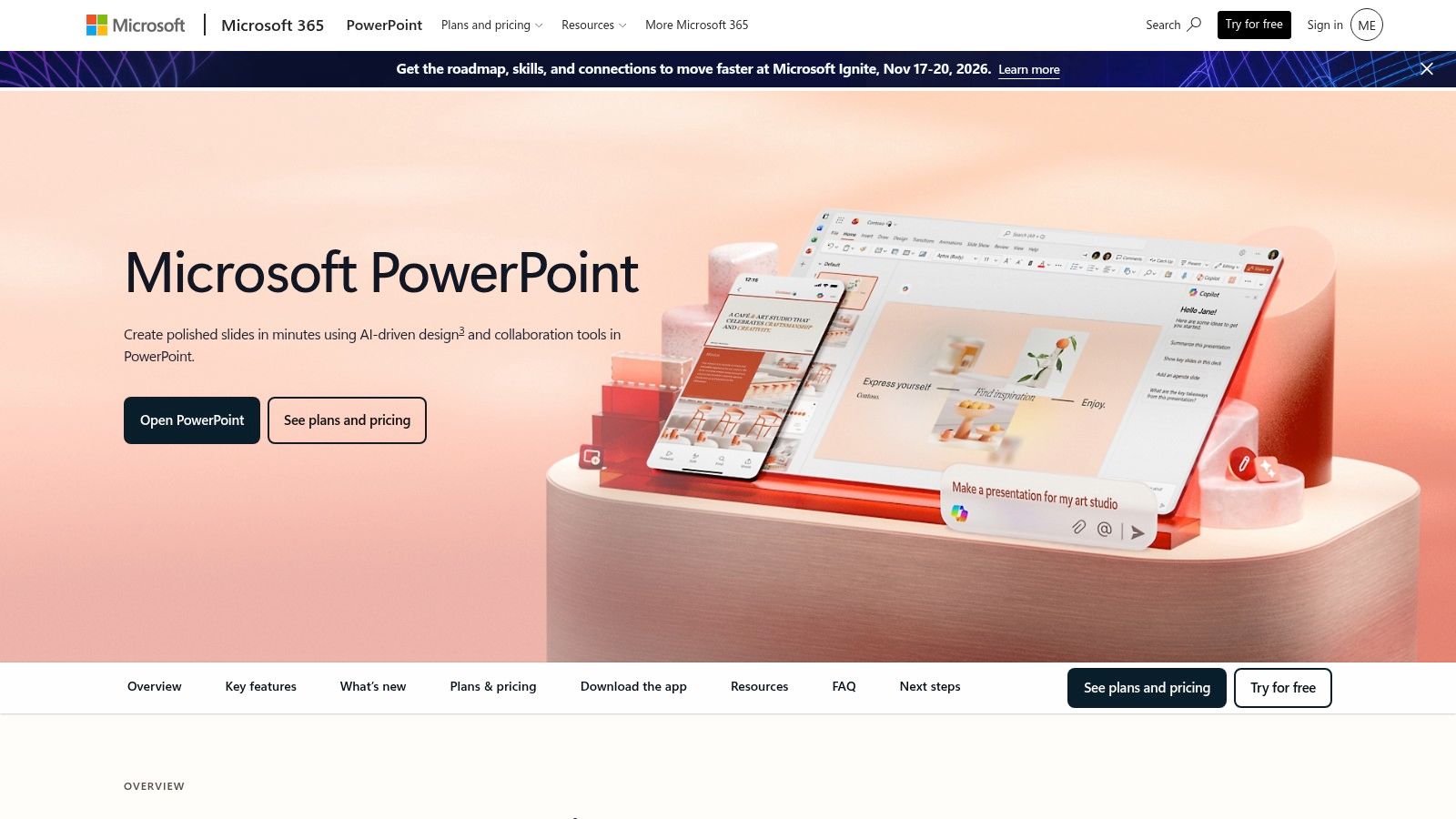
Microsoft PowerPoint remains the standard the rest of the market is measured against, and for most organizations it is the default choice. It anchors the .pptx standard, ships inside Microsoft 365, and connects strongly to Excel, Teams, and the rest of the Microsoft products. A .pptx file is still the frictionless way to share when someone says “send the deck.”
The reason it’s the default
Its best strength is the depth of features and maturity of the product. The depth of control over animations and transitions, as well as the option to present offline, are features teams appreciate. Enterprise IT is also familiar with how to license, secure, and support it. Excel-linked charts and tables are made for finance teams. Almost every stakeholder is familiar with the editing environment. Microsoft 365 subscribers can also co-author a presentation after it is saved to OneDrive or SharePoint, as explained in Microsoft’s PowerPoint collaboration guide.
PowerPoint is still file-first in nature. Real-time co-editing within OneDrive and the web app shows great promise, but the day-to-day reality in many teams is still attachments, local copies, and version drift. Engagement analytics, live data connections, and link-based delivery are not what the product was built around. For companies that rely on compliance and offline presenting, it remains the safest choice; for revenue teams struggling to keep a single deck current for multiple users, it is the workflow they are trying to escape.
3. Google Slides

Google Slides is an obvious fit for teams that operate entirely within Google Workspace. If a team needs to work collaboratively within the same document and wants to avoid the issues that come with document version control, Google Slides is a solid option. It integrates seamlessly with Google Docs, Sheets, and Drive. For revenue teams across a broad geographical or operational division, this facilitates the movement of presentation work.
Slides is built to support real-time collaboration. For internal document updates, customer drafts, and work sessions, there are significant benefits to being able to revise and provide feedback all within the application. Google has confirmed it supports live editing, sharing, offline work, and PowerPoint imports on its Google Slides product page. The more organized your Drive and the more intentional you are with the links you share, the easier it is to store company documents centrally and prevent duplicates.
The trade-offs show up in visual flexibility. Google Slides does the basics, including simple animations, transitions, and designs, but it can’t match PowerPoint for motion control nor Canva for variety of designs. Brand governance also depends on how your Workspace environment is set up, so one team may keep everything consistent, while another ends up relying on manual checks.
For presentation teams that care about collaboration speed, the starting point still matters. For visual guidance, see our guide on the best backgrounds for Google Slides. Gemini support inside Slides adds AI assistance through Workspace, but the main value remains the same. It helps teams edit together quickly, keep feedback in one thread, and move a deck forward without turning it into a file-handling exercise.
4. Apple Keynote

Apple Keynote makes sense for teams that work on Macs and have a high bar for the polish of their presentation design. The default output is refined and the motion feels controlled. For presentations to executives, product launches, and client pitches where the presenter controls the room, that matters.
Strong visuals, lighter governance
Keynote’s strongest advantage is how quickly it gets a deck looking finished. Cinematic transitions, clean typography, and polished templates give teams a high-quality starting point without much setup. Presenting from multiple Apple devices is simple, and non-Apple users can access iCloud for web-based editing when needed. Apple also enables real-time collaboration via links on iCloud across platforms, including on Windows through a supported browser, according to its Keynote for iCloud guide.
The trade-off Apple Keynote users face is that Windows users rely on the web version and control isn’t as extensive as it is in larger presentation suites. This is fine for Apple-first teams, but mixed-device teams feel the limitation quickly. If your RevOps and sales teams need controlled collaboration, approval paths, and strong workspace management, Apple Keynote may not be suitable.
For revenue teams, Apple Keynote should be viewed as a design-focused, high-quality presentation tool rather than a shared presentation tool for every single slide. It is best when a presenter has a polished story, full control over the presentation, and the environment they are presenting from. It is the least convincing option for teams that need a collaborative workspace to create slides over an extended period of time, require version control across multiple teams, or do work that behaves more like a live workflow than file sharing.
5. Canva Presentations

Canva is a good option for revenue teams as a presentation tool, since it can create good-looking slides quickly. It is a great fit for marketing, sales, and customer-facing teams, as these teams are often using Canva to create things like social graphics, one-pagers, and campaign assets. The presentation tool is part of a bigger design platform, so the same visuals can be reused across assets without having to start from scratch. This is great for teams trying to keep customer materials aligned with the brand, as it decreases the amount of rework.
Canva can be used for an asynchronous workflow that goes beyond file-first decks. The browser editor makes collaboration workable for distributed teams, and the library of templates and AI-assisted creation helps non-designers make decent designs. In practice, it’s great for when presentation content needs to move at a campaign’s speed, as opposed to the design team’s. PDF and PPTX exports also make files accessible for users who want to save them. Canva describes its template-based editor and browser, desktop, and mobile access on its slideshow maker page.
Design speed over slide control
There is a loss of control with Canva. Canva is built for easy visual production, but not for teams that want deep slide mechanics, live data, or strict control over large workspaces. Heavier decks can feel less responsive and some brand and asset controls are behind paid tiers. This can work for small teams, but it creates a real constraint for teams across functions that need tighter review paths.
Canva is best for quick, easy customer-facing visuals that look good with minimal effort. It works for marketing and revenue-generating teams that care more about speed and consistency and less about building a complex presentation system. If your team is trying to replace file-based deck sprawl with a more dynamic workflow, Canva can help with the creative layer, but it won’t replace tools built for deeper presentation governance or data-driven delivery.
6. Pitch

Pitch tailors itself to teams who want decks to have the same flexibility as working environments. It is browser-based and built with collaboration in mind, designed to be easily adopted by startups, product teams, and revenue organizations that prioritize velocity. For teams who spend time reviewing slides together, leaving comments, and iterating in one place, it eliminates a lot of file friction.
Pitch’s big advantage is their workflow
Pitch’s refined and seamless presentation building environment, version control, and comments simplify the process of building a presentation without the need to repeatedly export and upload. It also supports interactivity from integrated tools and deck embedding. Note that the free tier supports video embedding, while interactive embeds are available on paid tiers. Pitch also highlights collaboration, template use, and AI drafting, as well as analytics on its product page.
Revenue teams rely on web applications, and this fit really matters. When placing Pitch against competitors, this overview of interactive presentation software further illustrates the growing expectation of presentations that integrate more directly with adjacent applications.
There is a compromise on control. Pitch is a presentation platform and not an end-to-end revenue operations system. Its free plan uses its branding on exported links and exports, and static exports can lose some interactivity. This may be fine for teams that want web presentation to be hassle-free, but it can affect the experience in multiple formats.
Pitch is best suited for teams that need collaboration and clean brand presentation to outweigh slide mechanism complexities. It is a good option for teams that need a workflow built within the web and do not need a developer-centric application.
7. Beautiful.ai

Beautiful.ai focuses on teams that still need swift presentation output but need to maintain presentation quality. The solution’s formatting work gets done by the layout engine, which means decks retain their tidy format even when content increases. For revenue leaders that value consistency over hand-adjusting every element, this is a good trade-off.
It addresses the shift from static presentation files to browser-based presentation tools. Teams do not need to treat presentation decks as one-time exports. Beautiful.ai says that its Smart Slides automatically resize and rearrange content and that its shared themes, real-time collaboration, permissions, and viewer analytics also support team workflows. See the Beautiful.ai product overview.
Automation with guardrails
AI tools and the Smart Slide system reduce layout work. This saves time for corporate teams and consultants who need polished business decks but don’t have the time to adjust text boxes or align spacing. Higher plans include analytics to help when a deck is shared across stakeholders who will not all view it live.
The trade-off is flexibility. Beautiful.ai’s opinionated design system may feel limiting if you want control over all elements. Editable PPTX export is limited to paid plans, and when elements are exported they can be flattened, which can cause issues when a deck needs to be adapted or used in other systems. It can work for teams who want a consistent base and are comfortable staying inside that system.
If your team uses too much time nudging text boxes, Beautiful.ai can help save that effort. If layout flexibility is important to your team, consider some of the other systems. It works best in situations where speed and visual consistency dominate over total design flexibility.
Strengths
- Strong layout discipline.
- AI tools to assist in creation.
- Analytics available at higher levels.
- Polished business decks.
Limits
- Opinionated design.
- Editable PPTX exports limited to paid plans.
- Flattened content in some exports.
8. Prezi

Prezi is useful for a pitch or demo when you need to switch between the big picture and the small details without being locked into a slide-by-slide format. A unique feature of Prezi is its flexible canvas that allows presenters to put together their narrative in a less linear format. For teams that are moving away from static, file-based decks, Prezi can feel closer to a live narrative than a traditional presentation.
When movement is key
For presenters who value structure and don’t want to lose it while incorporating movement, Prezi is able to assist through AI prompt or format inputs (PPT or PDF) and provides recording and desktop app features along with Prezi Video. Prezi claims in its product overview that its desktop app supports offline work and can utilize a prompt, PPT, or PDF to support its AI workflow, giving it more functionality than expected.
There is some friction in adopting Prezi due to its unique canvas model and the fact that not every audience is keen on incorporating a lot of motion in their presentations. Brand control is more lenient than what is offered through most enterprise systems, so teams with strict governance may find it less suited to template enforcement. Prezi is best utilized when the narrative is able to drive the presentation.
For sales teams and workshop facilitators, it can make a meeting feel more active and less passive. For board updates or data-heavy reviews, the motion can work against clarity.
Strengths
- Memorable non-linear storytelling.
- Good for demos, workshops, and presentations on camera.
- AI-assisted creation from multiple file types.
- Offline options add flexibility.
Limits
- The zooming model takes some getting used to.
- Not designed for formal, slide-by-slide reviews.
- Brand enforcement is lighter than enterprise suites.
9. Gamma

Gamma shows how presentation software is now so far removed from static files. It converts prompts or imported content into web-ready decks, documents, and simple websites, allowing revenue teams to rapidly move from an idea to a shareable draft without having to spend a significant amount of time in a traditional slide editor. If a team’s focus is on speed, that workflow is paramount.
Gamma does a good job fitting in situations where the message is still being developed. It excels at facilitating internal updates or early-stage pitches, and does an excellent job helping sales teams rapidly get customer-facing content ready.
Fast drafting, opinionated editing
Gamma’s AI-first flow is its main strength. It is able to rapidly convert prompts and pasted content to decks, and the card-based, web-ready layout feels more modern than a classic slideshow. For sales teams, customer success leaders, and founders who need to get a storyline in front of stakeholders fast, that saves real time.
The trade-off is control. Teams that need exact layouts or strict brand systems will feel the limits. Some advanced features and higher limits on AI are part of paid tiers, and that impacts how fully you can test the tool on the free plan. Export to PPTX, Google Slides, PDF, and PNGs is available, which makes a difference when commenting and reviewing files is still part of your process. Gamma lists the exportable formats, real-time collaboration, link sharing, and engagement metrics on its product site.
For revenue teams, Gamma works as a first-draft engine. It provides an efficient way to get a draft down fast, so that a human editor can refine the writing and messaging. Teams that need more precise control over the structure and formatting of slides will find that structured systems serve their needs better.
Strengths
- Incredibly quick turnaround from prompt to finished presentation.
- Convenient for draft documentation and presentation slides.
- Multiple types of exports available.
- Capable of supporting flexible narrative formats.
Limits
- Higher limits on AI and advanced branding features are behind paywalls.
- More subjective editing than traditional slide presentation tools.
- Poor fit for advanced formatting.
10. Visme

Visme certainly deserves its spot as the all-in-one visual, user-friendly offering. It includes infographics, reports, documents, social graphics, and presentations in one unified system, which fits marketing-oriented revenue teams who need to go beyond basic presentation choices. Teams can store templates, brand resources, and visualization assets in one system, eliminating the need for multiple external apps for various content options.
Visual content beyond slides
Visme’s capabilities relate to the evaluation criteria. The AI design tool converts a user’s prompt into ready-to-edit slides. Data widgets can link to live chart sources. It also contains interactive features such as pop-ups and hover effects. A centralized brand kit retains logos, colors, and fonts, and internal analytics show how shared content performs. The paid tiers offer the brand kit and analytics, along with PPTX and HTML5 export formats, SSO, and advanced security on the enterprise plan. Visme includes presentation, infographic, report, interactive content, AI, collaboration, and brand management features on its features page.
Focus is Visme’s trade-off. Since Visme covers many content types, its mechanics spread across multiple areas. Compared to dedicated presentation platforms, Visme’s slide-specific mechanics are relatively light, and the editor can feel heavy. Fast presentation use cases show its limitations, and free exports carry a watermark. The key collaborative features sit on the Pro and enterprise tiers. Brand assets are brought together, but controls are more of a shared kit than highly governed.
Visme is a good choice for teams who prefer a single visual content system over a separate deck tool. It works well for revenue teams, especially marketing-focused teams, since a lot of the work is done in unified reports and presentations. For teams who need deep slide mechanics or strict presentation governance, more specialized systems are a better fit.
Strengths
- A single workspace for decks, infographics, and reports.
- Interactive features and data widgets with live sources.
- Paid tiers offer a brand kit and analytics.
- Export options that include PPTX and HTML5.
Limits
- Slide tools are less powerful than standalone presentation tools.
- Free exports carry a watermark.
- Team options favor the Pro and enterprise plans.
Top 10 Slideshow Software Comparison
| Product | Core features & integrations | UX & quality | Value & pricing | Target audience | Unique strengths |
|---|---|---|---|---|---|
| Encelade | AI deck gen, 50+ interactive widgets, Sheets & REST live data, native 3D, Presentation API | Link-based, mobile-responsive | Tiered (Pro/Team/Enterprise); advanced features gated | AEs, SDRs, SEs, RevOps, marketing, AI/agent builders | One-prompt bulk restyling; native in-browser 3D; real-time sync; dev APIs |
| Microsoft PowerPoint | Desktop/web editor, deep Excel/Teams integration, advanced animations, PPTX native | Mature offline & enterprise-grade | Included in M365 subscriptions; enterprise licensing | Enterprises, execs, compliance-heavy orgs | Ubiquitous PPTX support; rich animation/tooling |
| Google Slides | Real-time co-editing, Drive autosave, Gemini AI, easy link sharing | Browser-first collaboration | Included in Google Workspace; free tier | Collaborative teams, education, SMBs | Seamless sharing & coauthoring; simple web publishing |
| Apple Keynote | Cinematic animations, refined typography, iCloud web editing, presenter view | Polished on Apple devices | Free; best value within Apple ecosystem | Apple users, executive presentations | High-polish visuals with smooth hardware integration |
| Canva Presentations | Templates, media library, Magic Design AI, brand kits (paid tiers) | Fast, design-forward editor | Freemium; Pro for team/brand features | Marketing, non-designers, content teams | All-in-one design assets; rapid on-brand visuals |
| Pitch | Link-based sharing, embeds (video on free, more on paid), template system, brand controls | Modern web-native collaboration | Tiered; free plan adds Pitch branding | Teams needing always-current, shareable decks | Strong embeds & brand governance for teams |
| Beautiful.ai | Guided AI layouts, auto-formatting, offline player, exports to PPTX/PDF | Auto-formatted slides; opinionated | Paid plans for team features & editable exports | Teams seeking consistent, fast slide design | Layout enforcement reduces manual formatting |
| Prezi | Zoomable canvas, AI-assisted generation, Prezi Video, desktop offline apps | Memorable non-linear presentations | Freemium; paid for advanced features | Presenters, trainers, workshop facilitators, sales | Non-linear storytelling; on-camera Prezi Video |
| Gamma | Prompt-to-deck, microsite publishing, exports (PPTX/PDF/PNG), analytics on tiers | AI-native, rapid narrative creation | Tiered; paid plans for branding & higher AI limits | Fast content creators, marketers, startups | Prompt-driven decks and publish-to-domain capability |
| Visme | Decks + infographics + reports, AI design tools, data widgets, brand kit, analytics | All-in-one visual workspace | Freemium; brand kit & analytics on paid tiers | Marketing-led teams producing varied visual content | One brand library across decks, reports, and graphics |
Making Your Choice and Migrating Your Team
The best choice for team migrations depends on who is building, who is presenting, and the culture of the organization. For Sales, Encelade would be a good fit for teams needing account-specific, real-time, data-connected slides. Sales teams need the right numbers, so they value presentation speed, but the biggest win is a data-connected presentation, specifically one that is link-based. If the organization still relies heavily on offline slide presentations, PowerPoint makes sense.
For Marketing, Canva and Pitch are strong options. Canva fits when production of assets across multiple formats is important, and Pitch fits when marketers need to collaborate for web-based reviews. When the first draft matters most, Gamma is a good fit. Visme is a better choice when decks are just one output among infographics and reports from the same brand library.
For RevOps, the decision will more likely lean toward governance and workflow fit. Encelade is a better choice if the team is looking for live data and analytics, API-driven generation, and a single source of truth. Google Slides is a better fit if the organization already uses Workspace and needs simplified real-time collaboration. PowerPoint is a better fit if the organization needs the broadest compatibility.
Migration from a legacy tool doesn’t have to be disruptive if you approach it step by step. The first step should be a content audit. Next, decide which decks should be converted to live data blocks instead of static data, which are just outdated slides with the company logo, and which are completely reusable. From there, templates should be converted before habits. If employees can’t find a brand-approved design in the new tool, they’ll revert to the old one.
Training should be tailored to each role, not just mass teaching. Sales should learn how to personalize slides, manage engagement, and track performance. Marketing should learn how to maintain the company’s brand integrity to minimize the time it takes to produce. RevOps should learn how to locate the data and the single source of truth in the system so they can manage how updates flow through it. That’s what turns a software swap into a workflow upgrade.
The greatest change is strategic. The best deck tool isn’t just the one that looks good now. It’s the one that helps your team work faster, stick to the brand, and present the latest business information without having to rebuild every file from scratch.
Want to experience what an always-current, web-first deck is like? Check out Encelade and make your first interactive presentation in no time, or book 30 minutes here to help your team learn the ropes.